
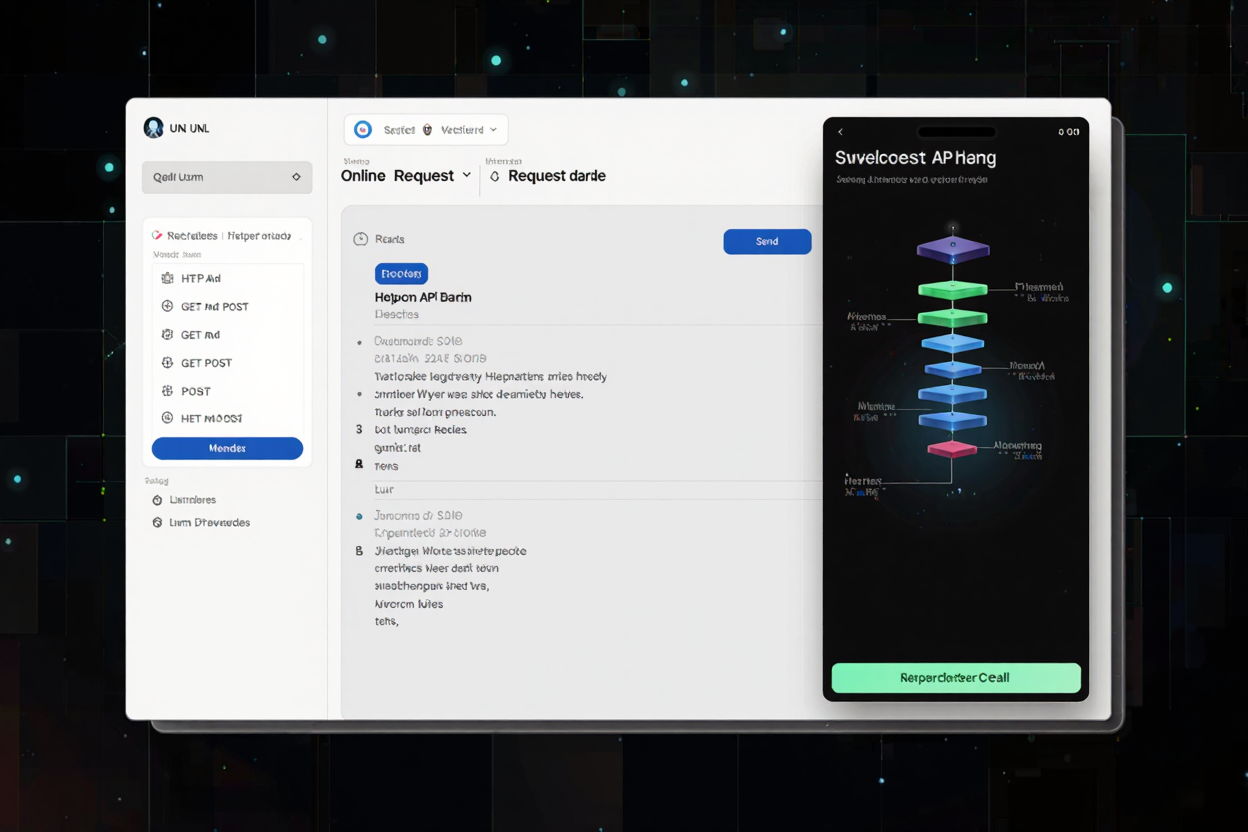
In today's interconnected digital landscape, understanding and interacting with Application Programming Interfaces (APIs) is a fundamental skill for developers, testers, and even non-technical professionals. REST (Representational State Transfer) APIs are particularly prevalent, serving as the backbone for countless web applications and services. While interacting with them might seem complex, building and testing REST API requests has become incredibly accessible thanks to a myriad of online tools.
These platforms simplify the process, allowing you to construct, send, and analyze API requests without needing to write a single line of code or install heavy software. Whether you're debugging an issue, integrating a new service, or simply exploring an API's capabilities, leveraging online API clients can dramatically streamline your workflow.
Why Use Online Tools for REST API Requests?
The appeal of online tools for API request building lies in their simplicity and immediate accessibility. Unlike traditional methods that might require setting up a local development environment or installing desktop applications, online solutions are ready to use directly from your browser.
- No Installation Required: Skip the setup process entirely. Just open your browser and start working.
- Cross-Platform Compatibility: Access your tools from any operating system, anywhere, anytime, as long as you have an internet connection.
- Quick Prototyping and Testing: Rapidly test endpoints, experiment with different parameters, and validate responses on the fly.
- Collaboration Made Easy: Many online tools offer features to save and share requests, fostering better team collaboration.
Understanding the Core Components of a REST API Request
Before diving into specific tools, it's crucial to grasp the fundamental elements that constitute a REST API request. Every interaction with an API involves sending a structured message to a server and receiving a response.
1. Endpoint (URL)
This is the specific web address that identifies the resource you want to interact with. For example, https://api.example.com/users/123 points to a user resource with ID 123.
2. HTTP Method
The HTTP method defines the type of action you want to perform on the resource. Common methods include:
- GET: Retrieve data from the server.
- POST: Send new data to the server to create a resource.
- PUT: Update an existing resource on the server.
- DELETE: Remove a resource from the server.
3. Headers
Headers provide metadata about the request and the client. They can include information like the content type of the request body, authentication tokens, or preferred response formats. For instance, Content-Type: application/json tells the server that the request body is in JSON format.
4. Request Body
For methods like POST or PUT, you often need to send data to the server. This data is contained in the request body, typically formatted as JSON or XML. The request body is where you'd send the new user's details when creating a user, for example.
5. Query Parameters
These are key-value pairs appended to the URL after a question mark (?), used to filter, sort, or paginate resources. For example, https://api.example.com/products?category=electronics&limit=10.
Step-by-Step: Building a Basic GET Request
Let's walk through how you would typically build a simple GET request using an online tool, many of which can be found in a collection of free developer tools.
- Choose an Online Tool: Navigate to your preferred online API client in your web browser.
- Enter the Endpoint: Locate the URL input field and paste the API endpoint you wish to query (e.g.,
https://jsonplaceholder.typicode.com/posts/1). - Select the Method: From the dropdown menu, choose 'GET' as your HTTP method.
- Send the Request: Click the 'Send' or 'Execute' button. The tool will dispatch your request to the server.
- View the Response: The tool will display the server's response, typically including status codes (e.g., 200 OK), response headers, and the response body (often in JSON format).
Step-by-Step: Building a POST Request with a Body
POST requests are slightly more involved as they require sending data. Here's how you'd typically handle it:
- Set the Endpoint: Enter the target URL for creating a resource (e.g.,
https://jsonplaceholder.typicode.com/posts). - Select POST Method: Change the HTTP method to 'POST'.
- Add Headers: Go to the 'Headers' section. Add a new header with the key
Content-Typeand the valueapplication/json. This tells the server to expect JSON data. - Compose the Request Body: Switch to the 'Body' tab or section. Select 'Raw' or 'JSON' as the body type and enter your JSON data. For example:
{ "title": "foo", "body": "bar", "userId": 1 } - Send and Analyze: Click 'Send'. The response should indicate successful creation (e.g., status 201 Created) and often return the newly created resource, including its ID.
Advanced Features and Best Practices
Many online API tools offer advanced functionalities that enhance your API testing capabilities:
- Authentication: Easily add API keys, Bearer tokens, or other authentication methods to your requests.
- Environment Variables: Define variables for different environments (development, staging, production) to quickly switch between base URLs and credentials.
- Request History and Saving: Keep a record of your past requests and save frequently used ones for quick access.
- Code Snippet Generation: Generate code snippets in various programming languages based on your constructed request, aiding in integration.
By effectively utilizing these features, you can significantly improve your API development and testing efficiency. Remember that platforms offering an online dev tools collection can be invaluable resources for streamlining various development tasks beyond just API requests.
Beyond API requests, developers often need to manage other types of files. For instance, if you're dealing with documentation or reports generated by your applications, an efficient PDF Compressor can be incredibly useful for reducing file sizes without compromising quality, ensuring faster loading and easier sharing.
FAQ
Q1: Are online API request builders secure for sensitive data?
A1: While convenient, always exercise caution with sensitive data. For production environments or highly confidential information, consider local tools or ensure the online tool explicitly states robust security measures and encryption protocols. Avoid pasting real production API keys or credentials into public or untrusted online tools.
Q2: What's the main difference between GET and POST requests?
A2: GET requests are used to retrieve data from a server and should not have a request body (data is passed via URL parameters). POST requests are used to send data to a server to create a new resource, and they typically include a request body containing the data to be sent.
Q3: Can I test GraphQL APIs with these tools?
A3: Many modern online API clients now offer specific support for GraphQL APIs, providing dedicated interfaces for queries, mutations, and variables. However, some basic tools might only support traditional REST API structures. Check the tool's features to confirm GraphQL compatibility.
Online tools have democratized API interaction, making it accessible for everyone from seasoned developers to those just starting their journey. By understanding the core components and following a structured approach, you can confidently build, test, and troubleshoot REST API requests. Explore the free developer tools available today to enhance your productivity and streamline your API workflow.