
In the fast-paced world of software development, managing code changes is a constant challenge. Whether you are collaborating on a team project, debugging a complex issue, or simply tracking your own progress, understanding how your code evolves is crucial. This is where diff checkers come into play, offering an indispensable solution for comparing code with precision and efficiency.
Diff checkers are powerful utilities designed to highlight the differences between two or more versions of text files, most commonly code. They provide a clear, visual representation of what has been added, deleted, or modified, transforming what could be a tedious manual process into a quick and insightful analysis. Utilizing such tools effectively can significantly enhance your workflow and minimize errors.
Understanding the Basics of Code Comparison
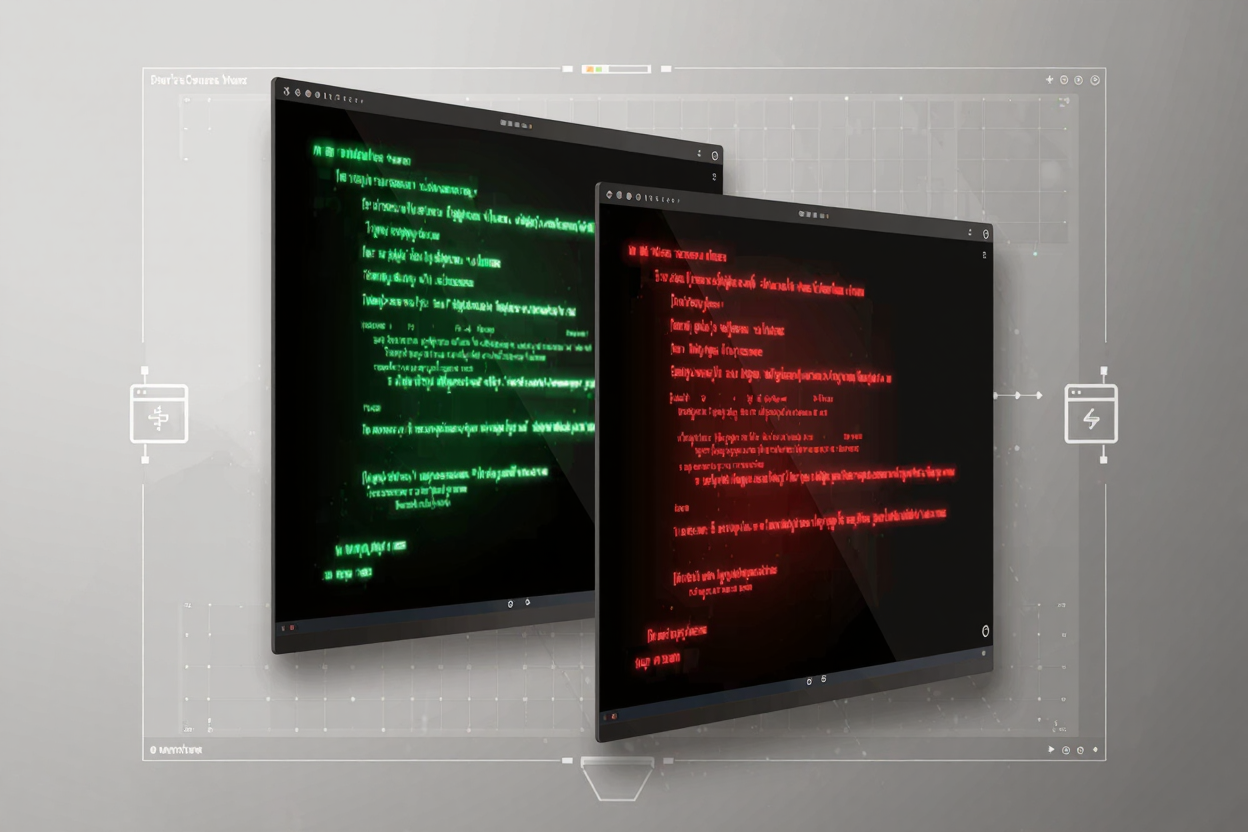
At its core, a diff checker works by analyzing two input files line by line, and sometimes character by character, to identify discrepancies. It then presents these differences in an intuitive format, often using color-coding or specific symbols. For instance, new lines might be highlighted in green, deleted lines in red, and modified lines in yellow or blue.
This visual feedback is invaluable. Instead of manually scanning through thousands of lines of code, a diff checker instantly points out the exact locations and nature of changes. This capability is fundamental for maintaining code quality, ensuring consistency, and understanding the impact of any modifications made to a codebase.
Why Code Comparison is Essential for Developers
The importance of robust code comparison tools cannot be overstated. They are integral to several key development practices:
- Code Reviews: Facilitating thorough and efficient peer reviews by clearly showing changes made by a team member.
- Merging Branches: Helping resolve conflicts when integrating different development branches in version control systems.
- Debugging: Pinpointing recent changes that might have introduced a bug, making the debugging process much faster.
- Tracking Progress: Allowing individual developers to review their own changes over time, ensuring adherence to coding standards and project requirements.
Types of Diff Checkers Available
Developers have a wide array of diff checking tools at their disposal, each suited for different preferences and workflows. Many of these are available as free developer tools, making them accessible to everyone.
Online Diff Tools
Web-based diff checkers are incredibly convenient. They require no installation and can be accessed directly through your browser. You simply paste your code into two separate fields and click a button to see the comparison. These are perfect for quick, one-off comparisons or when you're working on a machine without your usual development environment. Many such tools are part of a larger online dev tools collection.
IDE-Integrated Diff Tools
Most modern Integrated Development Environments (IDEs) like VS Code, IntelliJ IDEA, or Eclipse come with built-in diff and merge capabilities. These tools seamlessly integrate into your coding workflow, allowing you to compare files directly within your project structure, often with advanced features like syntax highlighting specific to your programming language.
Command-Line Diff Tools
For those who prefer working in the terminal, command-line tools like diff (on Unix-like systems) or Git's built-in git diff command are powerful options. They offer flexibility and can be scripted for automated comparisons, making them a favorite among experienced developers and for CI/CD pipelines.
Version Control System (VCS) Tools
Systems like Git, SVN, and Mercurial have their own robust diff and merge functionalities. These are essential for managing changes across multiple contributors and branches, providing a historical log of all modifications and the ability to revert to previous versions.
Key Features to Look For in a Diff Checker
When choosing or using a diff checker, several features can significantly enhance its utility:
- Side-by-Side and Inline Views: The ability to view files side-by-side provides a comprehensive overview, while an inline view highlights changes directly within the text, ideal for focused review.
- Syntax Highlighting: Color-coding code elements (keywords, strings, comments) makes the comparison easier to read and understand, especially for complex codebases.
- Merge Capabilities: Advanced diff tools allow you not only to see differences but also to selectively merge changes from one file to another, resolving conflicts efficiently.
- Ignoring Whitespace and Comments: The option to ignore trivial changes like whitespace differences or comments can help focus on meaningful code modifications.
How to Use a Diff Checker: A Step-by-Step Guide
While specific steps may vary slightly depending on the tool, the general process for using a diff checker is straightforward:
- Input Your Files: Typically, you will either paste the content of two files into designated input areas, upload the files directly, or select them from your project directory if using an IDE-integrated tool.
- Initiate Comparison: Click the 'Compare' or 'Diff' button. The tool will then process the files and display the differences.
- Interpret the Results: Pay attention to the color-coding and symbols. Green usually indicates additions, red for deletions, and yellow or blue for modifications. Some tools also use arrows or lines to show where blocks of code have moved.
- Review and Act: Carefully review each difference. For code reviews, this means understanding the rationale behind changes. For merging, it involves deciding which version of the code to keep or how to combine them.
Beyond Code: Comparing Other File Types
While primarily used for code, diff checkers are also incredibly useful for comparing other text-based files such as configuration files, documentation, or even plain text. This versatility makes them a staple in a developer's toolkit. For managing other project assets, like optimizing images, specific tools exist; for example, a PNG Compressor can be crucial for ensuring your image files are optimized for web performance.
Integrating Diff Tools with Version Control Systems
Modern development heavily relies on Version Control Systems (VCS) like Git. Diff checkers are deeply integrated into these systems. Commands like git diff allow you to compare working directory changes against the staging area, committed history, or even different branches. Graphical Git clients often provide visual diff tools that enhance this experience, making complex merges and history reviews much more manageable.
Advanced Tips for Efficient Diffing
To get the most out of your diff checker, consider these advanced tips:
- Custom Ignore Rules: Configure your tool to ignore specific patterns, file types, or directories to focus on critical changes.
- Three-Way Merge Tools: For complex merges, use tools that compare three versions (your version, their version, and a common ancestor) to intelligently resolve conflicts.
- Keyboard Shortcuts: Learn the shortcuts for navigating between differences, accepting/rejecting changes, and jumping to specific sections to speed up your review process.
Exploring the range of free developer tools available can help you find advanced diff checkers that perfectly fit your specific needs and workflow.
FAQ
Q1: What is the primary purpose of a diff checker?
A diff checker's primary purpose is to identify and visually highlight the differences between two versions of text-based files, most commonly code, to aid in code reviews, debugging, and version control.
Q2: Can diff checkers be used for files other than code?
Yes, diff checkers are versatile and can be used to compare any text-based files, including configuration files, documentation, log files, or plain text documents, making them a broadly useful utility.
Q3: Are online diff checkers secure for sensitive code?
While convenient, it's generally recommended to avoid pasting highly sensitive or proprietary code into public online diff checkers. For such cases, using local IDE-integrated, command-line, or private enterprise diff tools is a more secure option.
Mastering the use of diff checkers is an essential skill for any developer looking to improve productivity, reduce errors, and collaborate more effectively. By leveraging these powerful tools, you can navigate the complexities of code changes with confidence and precision.
Ready to streamline your code comparison process? Explore the various diff checkers and other essential utilities available on DevToolHere today!