
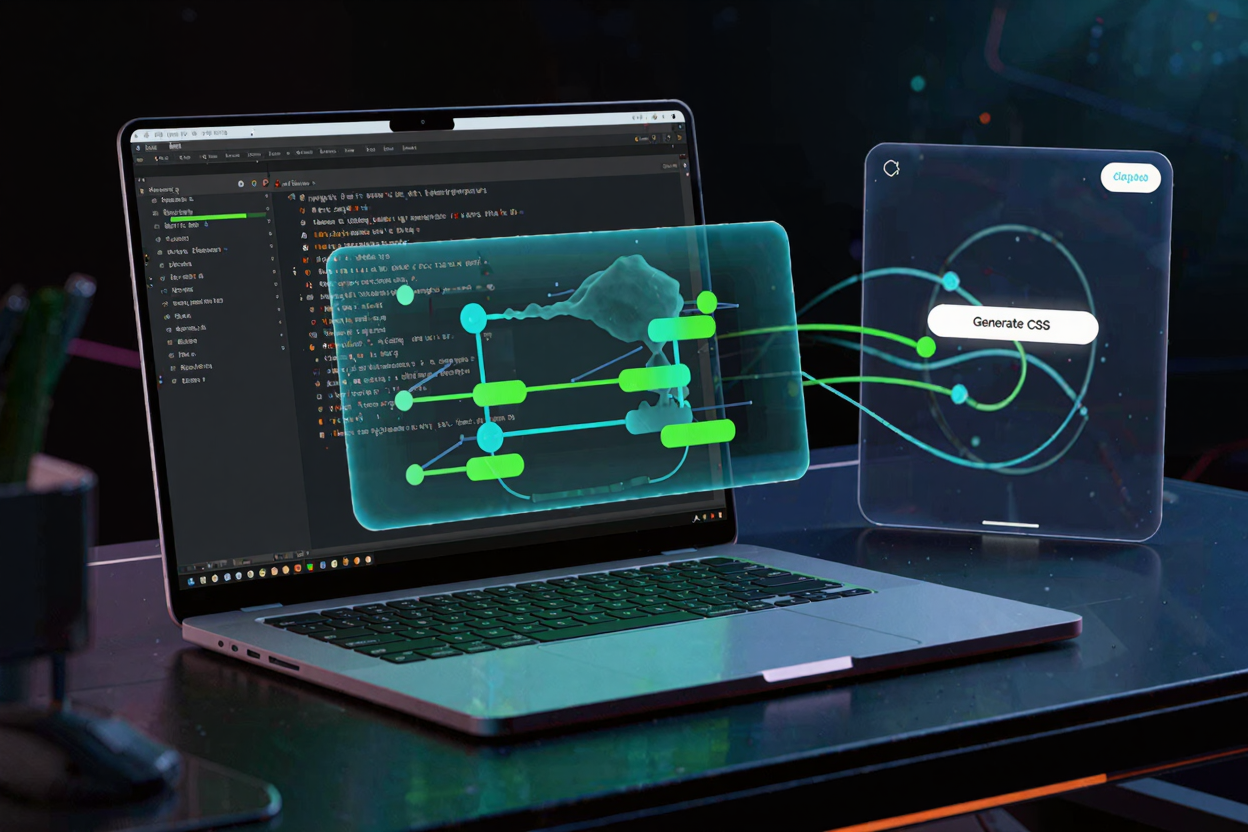
In today's dynamic web landscape, captivating user experiences are paramount. CSS animations are a powerful way to add visual flair, guide user attention, and make your website feel more alive. However, crafting complex animations from scratch using pure CSS can be a time-consuming and often intricate process, requiring a deep understanding of keyframes, timing functions, and various CSS properties. This is where online CSS animation tools become invaluable, transforming a daunting task into an accessible and enjoyable one.
These browser-based utilities empower developers and designers alike to create stunning animations with remarkable ease, often without writing a single line of code manually. They streamline the workflow, allowing you to experiment, visualize, and generate the exact CSS code you need in minutes. Whether you're animating a button hover effect, a loading spinner, or an intricate page transition, online tools provide the scaffolding to bring your creative visions to life efficiently.
Why Use Online CSS Animation Generators?
The primary advantage of using online CSS animation generators lies in their ability to simplify complexity. Instead of manually calculating percentages for keyframes or debugging intricate timing issues, these tools offer intuitive interfaces where you can visually define your animation's start and end states, intermediate steps, and timing. This visual approach significantly reduces the learning curve and accelerates development.
Beyond simplification, these tools ensure accuracy and consistency. They generate clean, optimized CSS code that adheres to web standards, minimizing errors and ensuring cross-browser compatibility. This means less time spent troubleshooting and more time focusing on the creative aspects of your web project.
Types of Online Animation Tools
The landscape of online CSS animation tools is diverse, catering to various needs and skill levels. Generally, they can be categorized into a few main types:
- Keyframe Generators: These tools allow you to define specific points (keyframes) in an animation, setting properties like position, scale, rotation, and opacity at each point. The tool then interpolates between these keyframes and generates the necessary CSS.
- Visual Editors: More advanced tools offer a timeline-based interface, similar to video editing software. You can drag and drop elements, set properties, and see a real-time preview of your animation as you build it.
- Pre-built Library Browsers: Some platforms provide a collection of ready-to-use animations that you can customize and integrate into your projects. These are excellent for quick implementations of common effects.
How to Generate CSS Animations with Online Tools
While each tool might have its unique interface, the general workflow for generating CSS animations with online tools follows a common pattern. Understanding these steps will help you quickly adapt to any generator you choose.
First, you typically select the element or property you wish to animate. This could be anything from a simple box to text or an image. Many tools offer a visual canvas where you can place and manipulate these elements directly. Next, you define the animation's properties. This involves setting initial states (e.g., opacity: 0, transform: translateX(0)) and then defining subsequent keyframes (e.g., at 50% opacity: 1, transform: translateX(100px); at 100% opacity: 0, transform: translateX(200px)).
Crucially, you'll also configure timing functions (easing), duration, delay, iteration count, and direction. Easing functions, such as ease-in-out or linear, dictate the acceleration and deceleration of the animation, significantly impacting its feel. Most tools provide sliders or dropdowns for these parameters, often with visual representations of the easing curves. As you adjust these settings, a live preview instantly shows you how the animation will look, allowing for rapid iteration and fine-tuning. For a wide range of useful utilities, check out our collection of [free developer tools](https://devtoolhere.com).
Once you're satisfied with your animation, the tool will provide the corresponding CSS code. This usually includes the @keyframes rule defining the animation sequence and the CSS properties (like animation-name, animation-duration, etc.) that you apply to the HTML element you want to animate. You simply copy this generated code and paste it directly into your project's stylesheet.
Benefits for Your Web Projects
Integrating online-generated CSS animations into your projects offers numerous advantages. It significantly speeds up development time, allowing you to focus on other critical aspects of your website. The visual nature of these tools also makes it easier to achieve precise and aesthetically pleasing results, as you can see the animation in action before committing to the code.
Furthermore, these tools are excellent for learning. By experimenting with different parameters and observing the generated code, you can gain a deeper understanding of CSS animation properties. This hands-on experience complements theoretical knowledge, making you a more proficient front-end developer. For an extensive list of helpful resources, explore our [online dev tools collection](https://devtoolhere.com).
Beyond animations, remember that optimizing all aspects of your web project contributes to a better user experience. Tools like a [PDF Compressor](https://pdfminify.com) can help ensure that any downloadable content on your site is lightweight and loads quickly, further enhancing performance.
Leveraging online CSS animation generators means you spend less time on repetitive coding and more time on creative design. They democratize animation creation, making it accessible even to those with limited CSS animation experience. DevToolHere is dedicated to providing a variety of [free developer tools](https://devtoolhere.com) that empower you to build better, more engaging web experiences.
FAQ
What are CSS animations and why are they important?
CSS animations allow you to animate changes in CSS properties over time, creating dynamic and interactive elements on a webpage. They are crucial for enhancing user experience, providing visual feedback, guiding user attention, and making websites more engaging without relying on JavaScript for simple effects.
Can I customize the generated CSS animations?
Yes, absolutely! Online tools provide a baseline for your animations. Once you generate the CSS code, you can always fine-tune it further in your stylesheet. You can adjust timing, add more keyframes, or combine them with other CSS properties to achieve unique effects tailored to your specific design needs.
Are these online tools suitable for complex animations?
While many online tools excel at generating common and moderately complex animations, extremely intricate, multi-element, or highly interactive animations might still require a deeper dive into manual CSS, JavaScript, or specialized animation libraries. However, they serve as an excellent starting point and can handle a significant portion of typical web animation requirements.
Embrace the power of online CSS animation generators to infuse your web projects with captivating motion and interactivity. Explore the diverse range of tools available and discover how effortlessly you can elevate your designs. Start animating today and make your websites truly stand out!