
In the digital realm, handling dates and times accurately is paramount for applications, databases, and user interfaces alike. Timestamps serve as a universal, unambiguous method for representing a specific point in time, making them indispensable for developers, data analysts, and anyone dealing with global data.
However, converting between human-readable dates and these numerical timestamps can often be a source of confusion and error. This is where a reliable timestamp converter becomes an invaluable asset, streamlining your workflow and ensuring data consistency across different systems and time zones.
Understanding the Power of Timestamps
At its core, a timestamp is a sequence of characters or encoded information identifying when a certain event occurred. The most common type encountered in computing is the Unix timestamp, which represents the number of seconds that have elapsed since the Unix Epoch – January 1, 1970, at 00:00:00 Coordinated Universal Time (UTC).
This standardized approach offers significant advantages. Unlike traditional date formats that vary by region (MM/DD/YYYY vs. DD/MM/YYYY) and are subject to time zone complexities, a Unix timestamp is a single, universally understood number. This simplicity makes it ideal for storing dates in databases, transferring data between systems, and performing chronological sorting without ambiguity.
Navigating Date Handling Challenges
Without timestamps, managing dates involves a labyrinth of potential pitfalls. You must contend with varying date formats, the intricacies of different time zones, and the complexities of daylight saving adjustments. Manually converting between these formats or trying to account for time zone differences can quickly lead to errors, data corruption, or incorrect scheduling.
For instance, an event scheduled for "2 PM" in New York will be a different absolute time than "2 PM" in London. Timestamps resolve this by providing a single, absolute reference point. Directly manipulating date strings in code is also often resource-intensive and prone to localization issues, highlighting the need for a more robust solution.
How Timestamp Converters Simplify Your Work
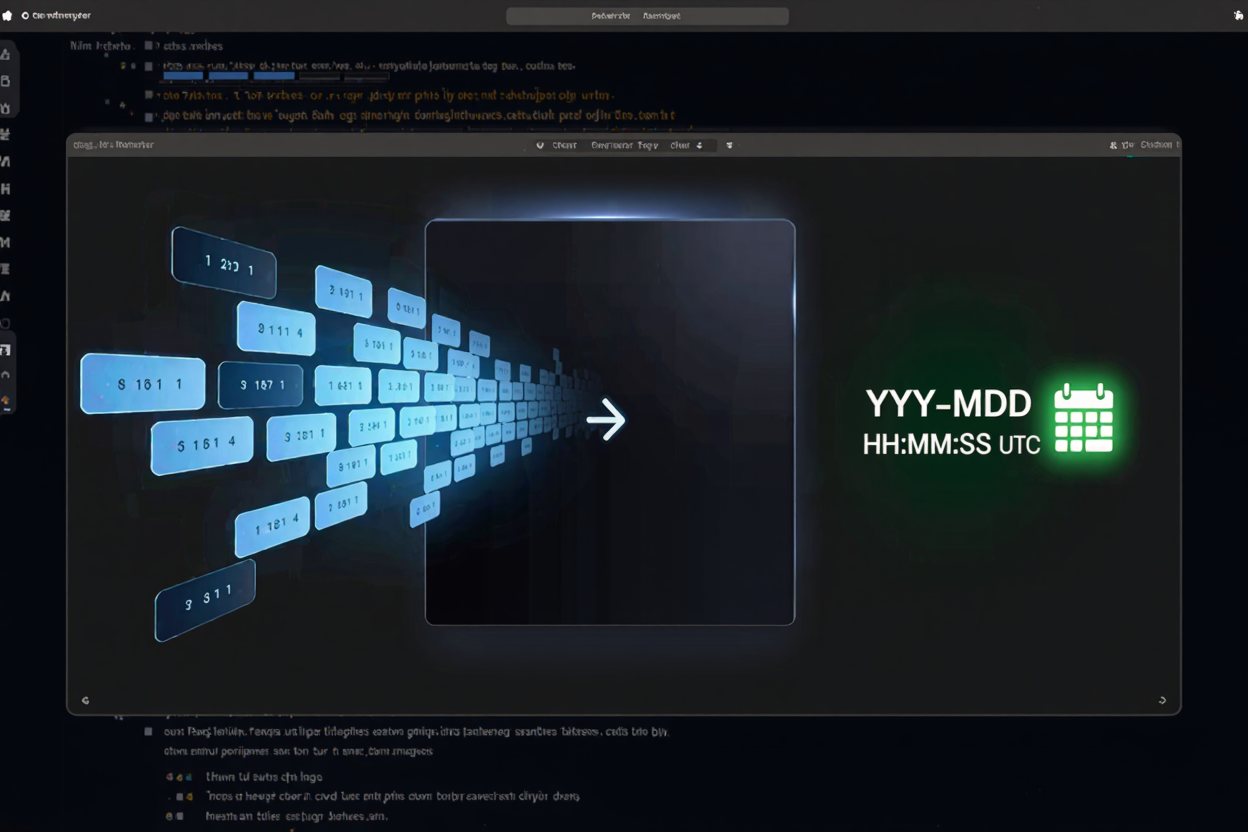
A timestamp converter acts as a bridge between the human-readable world of dates and the machine-friendly world of timestamps. Its primary function is to translate a specific date and time into its corresponding timestamp, and vice-versa. This conversion process typically accounts for time zones, allowing you to specify whether your input date is in local time or UTC.
When converting a human-readable date to a timestamp, the tool calculates the total number of seconds (or milliseconds, depending on the standard) from the Unix Epoch to your specified date and time. Conversely, when converting a timestamp back to a human-readable format, it reconstructs the date, time, and often allows you to display it in your preferred time zone and format.
Practical Applications in Various Fields
Development and Programming
Developers frequently use timestamp converters to debug time-related issues, verify API responses, or generate specific timestamps for testing purposes. When building applications, timestamps are crucial for logging events, storing creation/update times in databases, and ensuring consistent data exchange between different services. Many free developer tools exist to assist with these common development tasks, including robust timestamp converters.
Data Analysis and Reporting
In data analysis, timestamps are vital for standardizing date fields from various sources, enabling accurate chronological sorting and filtering. Analysts can use converters to quickly understand when data points were recorded, build timelines, or compare events across different datasets, regardless of their original regional date formats.
System Administration and Logging
System administrators rely on timestamps in log files to track events, diagnose issues, and monitor system performance. A timestamp converter helps them quickly understand when a particular error occurred or an action was performed, especially when dealing with systems operating in different geographical locations.
General Productivity and Planning
Beyond technical fields, anyone needing to coordinate events across time zones or understand the exact timing of historical records can benefit. Whether planning international meetings or simply deciphering a date in an unfamiliar format, a converter offers immediate clarity and accuracy.
Choosing the Right Timestamp Converter
When selecting a timestamp converter, consider its ease of use, accuracy, and support for various time zones. Online tools, like those found in an online dev tools collection, are often the most convenient for quick, one-off conversions without needing to write code. Look for features such as automatic time zone detection, the ability to switch between UTC and local time, and support for both second and millisecond timestamps.
For programmatic conversions within applications, most modern programming languages offer built-in functions or libraries to handle timestamp conversions efficiently. These provide greater control and integration into your existing codebase. However, for everyday tasks or quick checks, an accessible online converter is often the best choice, providing immediate results and helping you work more effectively with various free developer tools.
Beyond Timestamps: Other Essential Tools
While timestamp converters are powerful, they are just one piece of the larger puzzle of digital efficiency. Developers and general users alike often need a suite of tools to optimize their digital assets. For instance, managing image file sizes is critical for web performance, and a tool like a PNG Compressor can significantly reduce load times without compromising quality. Exploring a comprehensive collection of such utilities can greatly enhance productivity and the overall user experience.
Mastering the use of timestamp converters is a fundamental skill for anyone working with digital data. They eliminate ambiguity, prevent errors, and ensure that your date and time handling is consistently accurate. By understanding their function and integrating them into your workflow, you can confidently navigate the complexities of global time and data synchronization.
FAQ
What is the difference between a Unix timestamp and a regular date format?
A Unix timestamp is a single, universal number representing the seconds elapsed since January 1, 1970, 00:00:00 UTC. A regular date format, conversely, is a human-readable string (e.g., "YYYY-MM-DD HH:MM:SS") that varies by region, time zone, and display preference, making it ambiguous without additional context.
Why is UTC important when dealing with timestamps?
UTC (Coordinated Universal Time) is the primary time standard by which the world regulates clocks and time. Using UTC as a baseline for timestamps ensures that regardless of where a timestamp is generated or interpreted, it always refers to the exact same moment in absolute time, preventing discrepancies caused by local time zones or daylight saving changes.
Can timestamp converters handle different time zones?
Yes, effective timestamp converters are designed to handle different time zones. They typically allow you to specify the time zone of your input date or the desired output time zone for a timestamp, ensuring accurate conversions that reflect local time differences.
Ready to streamline your date handling? Explore the robust timestamp converter and other essential utilities available on DevToolHere to enhance your productivity and ensure accuracy in all your projects.