
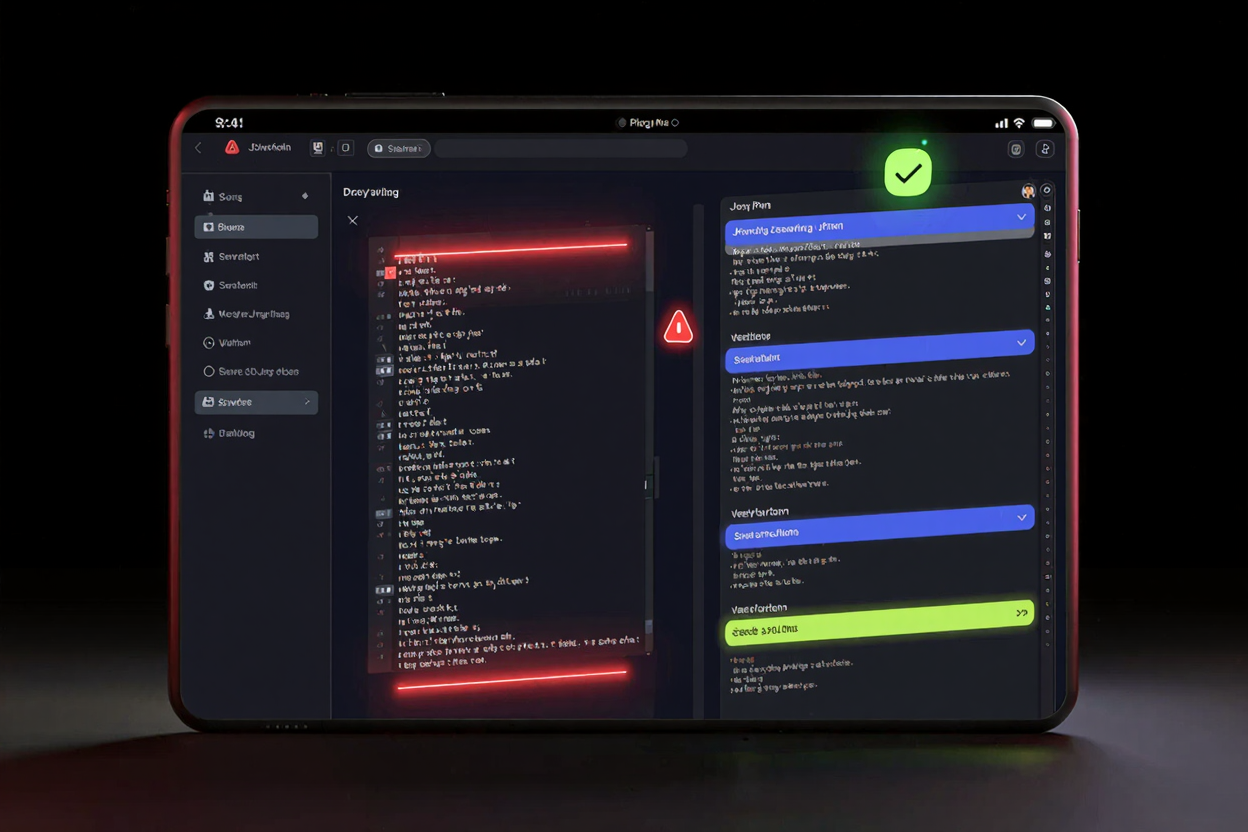
In the vast landscape of web development and data exchange, JSON (JavaScript Object Notation) stands out as an indispensable format. Its lightweight, human-readable structure makes it ideal for APIs, configuration files, and seamless data transfer between servers and web applications. However, anyone who has worked with complex or minified JSON knows the struggle: a sprawling, unformatted string of characters that is nearly impossible to read, debug, or understand. This is where a robust JSON formatter becomes not just a convenience, but a necessity.
DevToolHere.com is proud to offer a powerful and intuitive JSON Formatter, designed to transform your messy JSON data into a clean, organized, and validated structure. Our online tool helps developers, data analysts, and anyone dealing with JSON to quickly pretty print and validate their data, enhancing readability and catching errors efficiently. Say goodbye to endless scrolling and squinting at unreadable code; with our tool, clarity is just a click away.
What is JSON and Why Does Formatting Matter?
JSON is a text-based, language-independent data format based on JavaScript object syntax. It represents data in key-value pairs and ordered lists, making it exceptionally versatile for various programming tasks. While its simplicity is a strength, unformatted JSON often lacks proper indentation, line breaks, and consistent spacing. This compact form, though efficient for machine processing, presents a significant challenge for human comprehension.
Imagine trying to debug an API response that’s thousands of characters long, all on a single line. Without proper formatting, identifying specific data points, nested objects, or even simple syntax errors becomes a time-consuming and frustrating task. Pretty printing JSON introduces whitespace and line breaks, making the hierarchical structure immediately apparent. This transformation is crucial for efficient development, collaborative projects, and accurate data analysis.
Pretty Print: Transforming Chaos into Clarity
The core function of a JSON formatter is to "pretty print" your data. This process involves adding appropriate indentation and line breaks to clearly delineate objects, arrays, and their respective elements. Instead of a dense string, you get a beautifully structured output where each nested level is visually distinct. Our JSON Formatter automatically applies standard indentation rules, making your JSON instantly more readable and navigable.
Beyond basic indentation, our tool often includes syntax highlighting, which color-codes different elements like keys, strings, numbers, and booleans. This visual cue further enhances readability, allowing you to quickly differentiate data types and spot potential issues. Whether you’re reviewing a complex configuration file or inspecting a large dataset, pretty printing is your first step towards understanding the data's true structure.
Validation: Ensuring Data Integrity and Catching Errors
While pretty printing makes JSON readable, validation ensures it's syntactically correct and structurally sound. JSON validation checks your data against the official JSON specification, identifying any errors that could prevent applications from parsing or processing it correctly. Common errors include missing commas, unclosed brackets or braces, incorrect string delimiters, or malformed key-value pairs.
Our online JSON validator provides instant feedback, highlighting specific lines and characters where errors occur. This pinpoint accuracy saves countless hours of manual debugging. Instead of guessing where the problem lies in a large JSON payload, you're directed straight to the faulty syntax. This feature is invaluable for API developers ensuring their responses are valid, or for front-end developers consuming data that needs to conform to strict formats. It’s one of the many free developer tools that simplifies your workflow.
How DevToolHere's JSON Formatter Works
Using our JSON Formatter is incredibly straightforward. Simply paste your unformatted JSON into the input area. With a single click, the tool will instantly pretty print your data, applying consistent indentation and line breaks. Simultaneously, it performs a thorough validation check, alerting you to any syntax errors and showing you exactly where they are located. The output area then displays your perfectly formatted and validated JSON, ready for use.
Our tool is designed for speed and efficiency, processing even large JSON payloads quickly. The clean, intuitive user interface ensures a smooth experience, allowing you to focus on your development tasks rather than struggling with data formatting. It's a reliable companion for anyone working with JSON, from beginners to seasoned professionals.
Benefits of Using an Online JSON Formatter
- Accessibility: Access the tool from any device with an internet connection, without needing to install software or plugins.
- Speed and Efficiency: Get instant results. Online formatters process data much faster than manual formatting attempts.
- Error Prevention: Automated validation catches syntax errors that are easily missed by the human eye, preventing bugs and unexpected application behavior.
- Improved Collaboration: Share consistently formatted JSON with team members, reducing misunderstandings and streamlining development cycles.
- Learning Aid: For those new to JSON, seeing data correctly formatted can help in understanding its structure and syntax rules.
Beyond JSON, DevToolHere offers an extensive online dev tools collection to support various development needs. For instance, optimizing your web assets is crucial for performance. Just as you format JSON for readability, you might use a PNG Compressor to reduce image file sizes without sacrificing quality, ensuring faster loading times for your applications and websites.
Security and Privacy Considerations
When using any online tool, especially one that processes your data, security and privacy are paramount. At DevToolHere, we prioritize the safety of your information. Our JSON Formatter typically processes data entirely within your browser, meaning your JSON input is not sent to our servers. This client-side processing ensures that your sensitive data remains private and secure, offering peace of mind.
However, it's always good practice to exercise caution with extremely sensitive or proprietary information. For highly confidential data, consider using offline tools or ensuring you fully understand the privacy policy of any online service. For most development tasks, our online JSON Formatter provides a secure and convenient solution to handle your JSON formatting and validation needs. Explore more free developer tools to enhance your productivity.
FAQ
What is JSON pretty print?
JSON pretty print is the process of formatting a JSON string by adding proper indentation, line breaks, and whitespace to make it human-readable. This transforms a compact, often single-line string into a structured, hierarchical display that's easy to read and debug.
How do I validate JSON online?
To validate JSON online, you typically paste your JSON data into a dedicated online JSON validator tool, such as the one available on DevToolHere. The tool then analyzes the syntax against the JSON specification and highlights any errors, such as missing commas, incorrect brackets, or malformed values.
Is it safe to use online JSON formatters for sensitive data?
Many reputable online JSON formatters, including DevToolHere's, process data client-side within your browser, meaning your data is not transmitted to their servers. This approach significantly enhances security and privacy. Always check the tool's privacy policy or documentation, and for extremely sensitive data, consider using an offline tool or local IDE features.
Don't let unformatted JSON slow down your development process. Leverage DevToolHere's JSON Formatter to quickly pretty print and validate your data, ensuring clarity and correctness in all your projects. Visit DevToolHere.com today and streamline your workflow with our comprehensive suite of developer tools!