
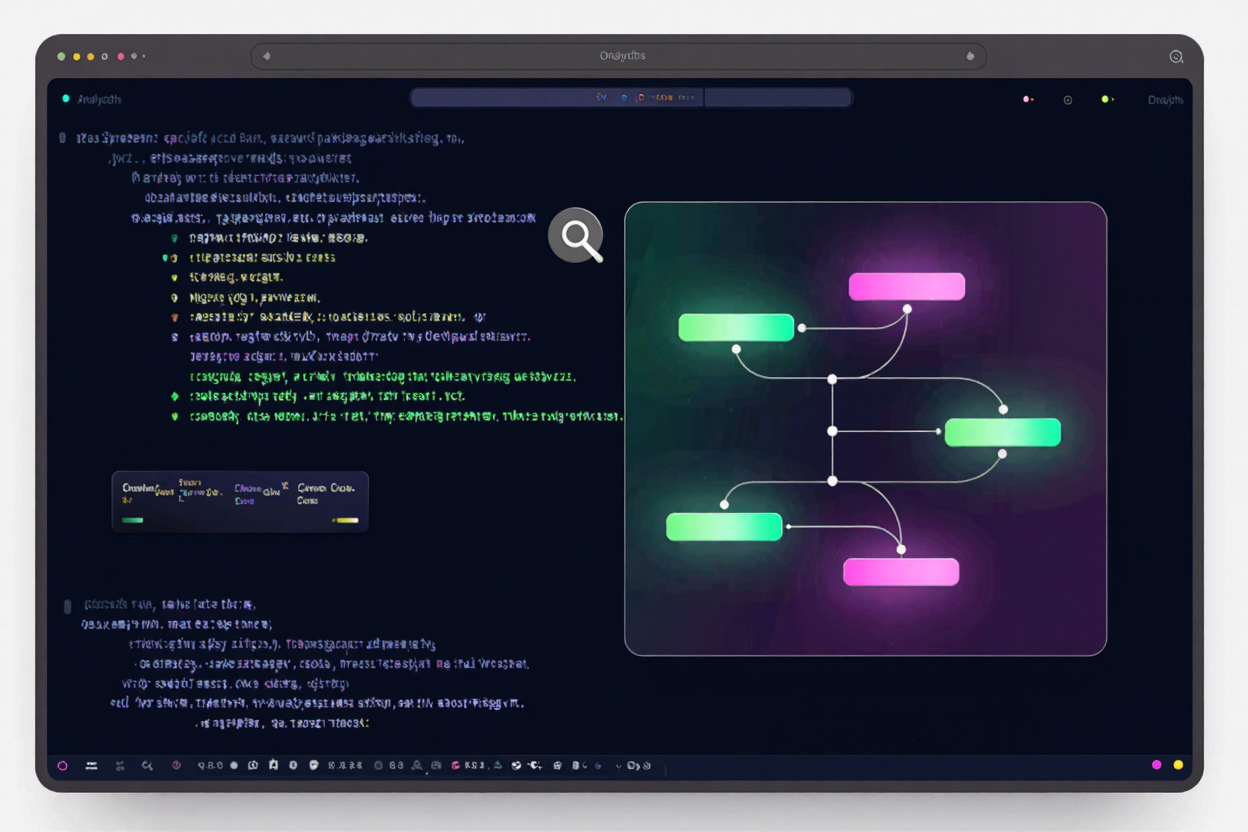
In the world of software development, encountering bugs and errors is an inevitable part of the process. While frustrating, these issues offer critical insights into your application's health and behavior. One of the most powerful diagnostic tools at a developer's disposal is the stack trace – a detailed report that provides a snapshot of an application's execution path leading up to an error or specific event.
Understanding and effectively analyzing stack traces is a fundamental skill that transforms complex debugging challenges into solvable puzzles. This guide will walk you through everything you need to know about stack trace analysis, from its basic anatomy to advanced techniques, helping you pinpoint problems faster and build more robust applications.
What is a Stack Trace?
A stack trace, often called a stack backtrace or traceback, is a list of the active stack frames at a certain point in time during a program's execution. It provides a historical record of the function calls that led to the current point, typically when an error or exception occurs. Think of it as a breadcrumb trail showing you exactly how your program arrived at its problematic state.
Each entry in a stack trace represents a 'stack frame,' corresponding to a function or method call. These frames are ordered chronologically, with the most recent call at the top and the initial call at the bottom. Analyzing this sequence helps developers understand the flow of control and identify the exact line of code where an issue originated.
Why Stack Trace Analysis is Crucial for Developers
Effective stack trace analysis is more than just a debugging technique; it's a cornerstone of good software development practices. It significantly reduces the time spent on bug fixing and improves overall code quality. Here’s why it’s so important:
- Pinpointing Root Causes: Instead of guessing, stack traces tell you precisely which function called which, leading to the error. This direct insight is invaluable for identifying the exact source of a problem.
- Understanding Program Flow: By reviewing the sequence of calls, developers can better understand the application's execution path and how different components interact, even when no error is present.
- Improving Code Quality: Frequent errors highlighted by stack traces can indicate design flaws, poor error handling, or areas needing refactoring. Addressing these issues proactively leads to more stable and maintainable code.
- Facilitating Collaboration: A clear stack trace provides concrete evidence for bug reports, making it easier for teams to communicate about and resolve issues efficiently.
Understanding the Anatomy of a Stack Trace
While the exact format can vary slightly between programming languages and environments, the core components of a stack trace remain consistent:
The Call Stack Explained
At its heart, a stack trace is a representation of the call stack. When a program executes a function, a new 'frame' is pushed onto the stack. This frame contains information like the function's arguments, local variables, and the return address. When the function completes, its frame is popped off the stack. An error typically occurs when a program tries to perform an invalid operation, and the runtime environment captures the state of this stack.
Reading Frames: Method, Class, File, and Line
Each line in a stack trace (a stack frame) typically contains the following information:
- Method/Function Name: The name of the function or method that was being executed.
- Class/Module Name: The class or module to which the method belongs (in object-oriented languages).
- File Name: The source code file where the method is defined.
- Line Number: The specific line number within that file where the call was made or where the error occurred.
You'll typically read a stack trace from top to bottom, but the actual error is often found at or near the top, with the calls leading up to it listed below. The most relevant part for debugging is usually the first few application-specific frames at the top, as library or framework calls often precede the actual bug in your code.
Common Scenarios for Stack Trace Analysis
Stack traces are instrumental in diagnosing a variety of issues:
- Unhandled Exceptions: These are the most common scenarios. A stack trace immediately appears when an exception isn't caught, showing you the exact path to the error.
- Infinite Loops or Recursion: A very deep stack trace that repeatedly calls the same functions can indicate an infinite loop or uncontrolled recursion, leading to a stack overflow error.
- Performance Bottlenecks: While not direct, examining stack traces from profiling tools can reveal functions that are frequently called or are consuming excessive resources, pointing towards performance issues.
- Concurrency Issues: In multi-threaded applications, stack traces from different threads can help understand deadlocks or race conditions by showing what each thread was doing at a specific moment.
Tools and Techniques for Effective Analysis
Several tools and techniques can aid in stack trace analysis:
- Integrated Development Environments (IDEs): Modern IDEs like Visual Studio Code, IntelliJ IDEA, or Eclipse have powerful debuggers that allow you to step through code, set breakpoints, and inspect the call stack in real-time. These are indispensable free developer tools for interactive debugging.
- Application Performance Monitoring (APM) Tools: Tools like Sentry, New Relic, or DataDog collect and centralize stack traces from production environments, offering advanced filtering, grouping, and visualization capabilities.
- Logging Frameworks: Integrating logging frameworks (e.g., Log4j, Serilog) into your application ensures that stack traces are captured and stored in log files, even in production, providing a historical record for post-mortem analysis.
- Manual Inspection: Sometimes, simply reading the stack trace in a text editor is enough, especially for simpler errors. Focus on the file names and line numbers that belong to your application's codebase.
Developers often juggle various file types and data formats, from source code to log files, and even media assets. Just as you might consult an Image Format Comparison to optimize web assets, mastering stack trace analysis is key to optimizing your application's stability and performance.
Best Practices for Stack Trace Management
To get the most out of stack traces, consider these best practices:
- Meaningful Error Messages: Augment stack traces with clear, concise error messages that provide context about what went wrong.
- Centralized Logging: Send all your application logs, including stack traces, to a centralized logging system. This makes searching, analyzing, and alerting much easier.
- Regular Review: Periodically review error logs and stack traces, especially after deployments, to catch recurring issues or new regressions.
- Symbolication: For compiled languages or minified JavaScript, ensure your build process generates and stores symbol files (or source maps). These map compiled code back to original source code, making stack traces readable.
Advanced Tips for Analysis
Beyond the basics, here are some advanced tips:
- Contextual Information: Always try to capture additional context alongside the stack trace, such as user input, environment variables, database state, or relevant configuration settings.
- Reproducing Bugs: Use the stack trace to help reproduce the exact conditions under which the error occurred. This is often the fastest way to understand and fix the problem.
- Leverage Online Resources: Don't hesitate to search for common errors or specific stack trace patterns online. Many issues have already been encountered and solved by the developer community. Many free developer tools can assist in parsing and visualizing complex logs.
FAQ
What is the difference between a stack trace and an error message?
An error message is a human-readable description of what went wrong, while a stack trace is a detailed, technical report of the sequence of function calls that led to that error. The error message tells you 'what,' and the stack trace tells you 'how' and 'where.'
Can stack traces expose sensitive information?
Yes, stack traces can sometimes expose file paths, internal method names, and potentially even snippets of data if they are part of method arguments. In production environments, it's crucial to handle stack traces securely and avoid exposing them directly to end-users without proper sanitization.
How can I make my stack traces more readable?
Ensure your code is well-structured and uses meaningful function and variable names. Implement robust logging that captures relevant context. For web applications, use source maps to de-minify JavaScript stack traces. Utilizing an extensive online dev tools collection can also provide parsers and viewers that enhance readability.
Mastering stack trace analysis is a powerful skill that will significantly enhance your debugging capabilities and overall development efficiency. By understanding its components and applying effective techniques, you'll be well-equipped to tackle even the most elusive bugs and contribute to more stable, high-quality software.
Explore DevToolHere for a wide range of utilities and resources designed to streamline your development workflow and make debugging a more manageable process. Start leveraging the power of professional tools today!