
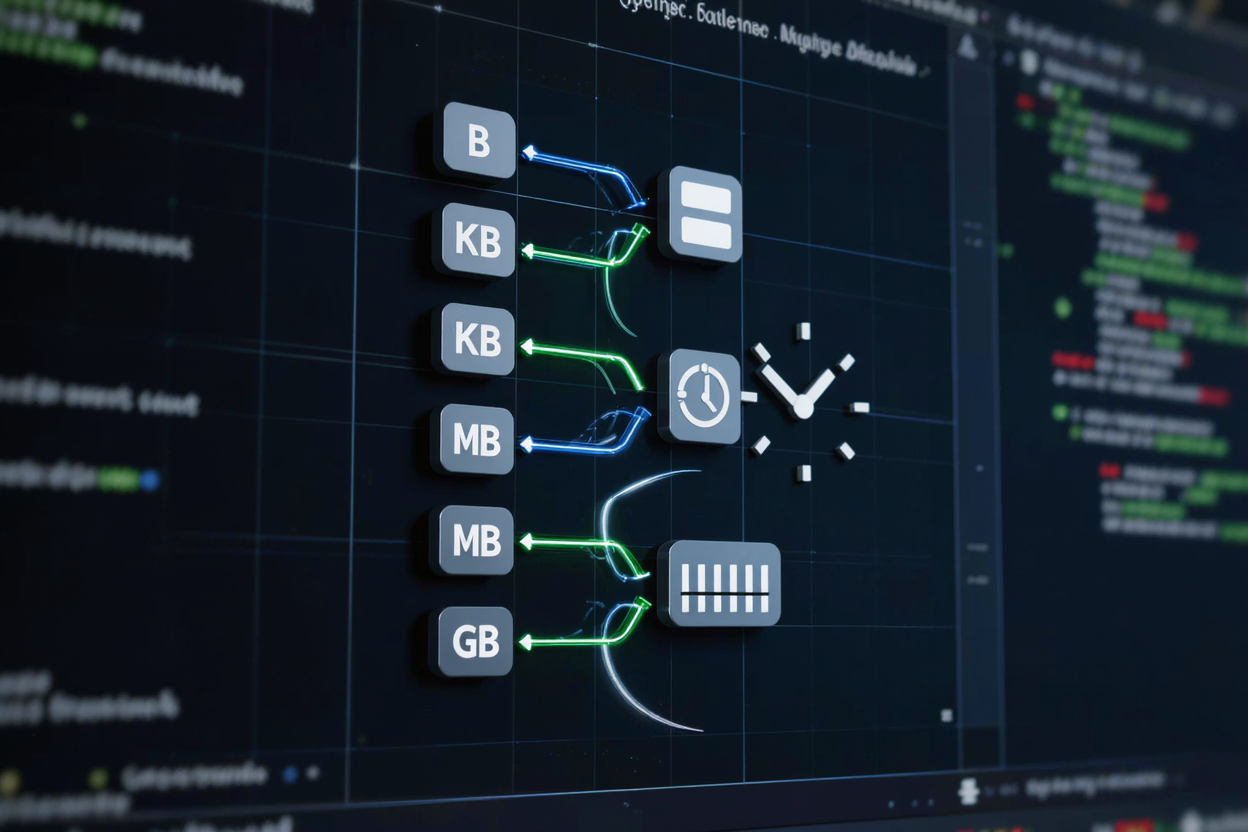
In the world of software development, precision and efficiency are paramount. Developers constantly deal with various units of measurement, from data storage sizes like bytes and gigabytes to time durations, lengths, and even currency. Misinterpreting or inaccurately converting these units can lead to critical bugs, performance issues, or incorrect data representation, impacting user experience and application reliability.
This is where byte and unit converters become indispensable tools in a developer's arsenal. They streamline the process of transforming one unit into another, ensuring accuracy and saving valuable time. Understanding how these converters work and why they are essential can significantly enhance your development workflow and the quality of your applications.
Why Unit Converters Are Crucial for Developers
Developers operate in a multi-faceted environment where data flows in various forms and scales. Consider API responses, database storage, network bandwidth, or even user interface elements. Each of these often involves specific units that need to be correctly interpreted and manipulated.
For instance, an API might return data sizes in bytes, while your application needs to display them in megabytes for readability. Without a reliable converter, you'd be spending time on manual calculations, which are prone to human error. This is where free developer tools like a byte converter truly shine.
Handling Data Storage and Network Bandwidth
One of the most common applications for unit converters is in managing data storage. Whether you're estimating disk space for a new feature, calculating file transfer times, or optimizing database performance, converting between bits, bytes, kilobytes, megabytes, gigabytes, and terabytes is a daily necessity. Network engineers and web developers frequently convert bandwidth units (e.g., Mbps to MB/s) to accurately gauge data transfer speeds and optimize content delivery.
Accurate conversions prevent over-allocation of resources or underestimation of requirements, leading to more efficient and cost-effective solutions. It also helps in providing clear information to end-users about file sizes or download progress.
Streamlining Performance Metrics and Time Management
Beyond data, developers often encounter other units. Performance monitoring involves converting between different time units (milliseconds, seconds, minutes) to analyze application responsiveness. Imagine tracking the execution time of a complex algorithm; converting milliseconds to a more human-readable format like seconds or minutes helps in understanding bottlenecks.
Similarly, when scheduling tasks or dealing with date and time formats across different time zones, precise unit conversion tools are vital. They ensure that operations are synchronized correctly and that users experience consistent timing regardless of their location.
Ensuring UI/UX Consistency and Localization
For front-end developers, unit converters are crucial for maintaining consistent user interfaces. Converting between pixels, ems, rems, points, and percentages ensures responsive design across various devices and screen sizes. This is particularly important for creating adaptive layouts that look good on desktops, tablets, and mobile phones.
Furthermore, during localization, values like currency, temperature, or distance might need conversion to suit regional standards. A good unit converter helps developers adapt their applications to a global audience without manual, error-prone adjustments.
Common Units Developers Encounter
Developers work with a diverse set of units. The most prominent are data units:
- Bits and Bytes: The fundamental building blocks of digital information. A byte is typically 8 bits.
- Kilobytes (KB), Megabytes (MB), Gigabytes (GB), Terabytes (TB): Larger units used for file sizes, memory, and storage capacity. It's important to remember the difference between base-2 (powers of 1024) and base-10 (powers of 1000) interpretations, although most modern systems and tools use base-2 for storage.
Other common units include:
- Time: Milliseconds, seconds, minutes, hours, days. Crucial for performance profiling, scheduling, and logging.
- Length: Pixels, points, ems, rems, inches, centimeters. Essential for UI design and printing.
- Frequency: Hertz (Hz), Kilohertz (kHz), Megahertz (MHz). Relevant in signal processing, CPU speeds, and network communication.
- Speed: Meters per second (m/s), Kilometers per hour (km/h), Miles per hour (mph). Used in simulations, GPS applications, and network speed calculations.
The Power of Online Unit Converters
While understanding the underlying mathematics of unit conversion is beneficial, constantly performing these calculations manually is impractical and inefficient. This is where dedicated online unit converters become invaluable. They offer instant, accurate conversions across a wide range of units, saving significant development time.
A comprehensive online dev tools collection can provide not just byte converters but also tools for time, length, temperature, and more. Imagine needing to convert a document format for a project; a utility like Word to PDF conversion, while not a unit converter in the traditional sense, highlights the broader need for convenient online tools that simplify complex tasks. Such resources allow developers to focus on core coding challenges rather than mundane calculations or format transformations.
Many modern development environments and languages offer built-in functions or libraries for unit conversions. However, for quick checks, cross-referencing, or when working outside a specific coding context, a web-based converter is often the fastest solution. It acts as a reliable reference, ensuring that your logic and calculations are sound before integration into your codebase.
Utilizing these converters not only boosts productivity but also contributes to cleaner, more robust code. By relying on tested and verified conversion tools, you reduce the likelihood of introducing errors related to incorrect unit handling. This attention to detail is a hallmark of professional development practices.
FAQ
What is the difference between a bit and a byte?
A bit is the smallest unit of digital information, representing a binary value of either 0 or 1. A byte is a collection of 8 bits and is the fundamental unit for storing data in computers, often representing a single character.
Why do developers need to convert units if computers handle them internally?
While computers handle units internally, developers often need to display data in human-readable formats, compare values from different sources, or interact with systems that use varying unit standards. Converters ensure accuracy and consistency across these interactions, preventing misinterpretations and errors.
Are online unit converters always accurate?
Reputable online unit converters, especially those from well-maintained free developer tools platforms, are designed for accuracy. They use standardized conversion factors. However, always ensure you understand the base (e.g., base-2 vs. base-10 for bytes) being used by the converter to match your specific context.
Embrace the power of byte and unit converters to enhance your development efficiency and accuracy. By integrating these essential tools into your daily workflow, you can focus on innovation, knowing that your foundational measurements are always precise. Explore the comprehensive range of developer tools available to streamline your projects today!