
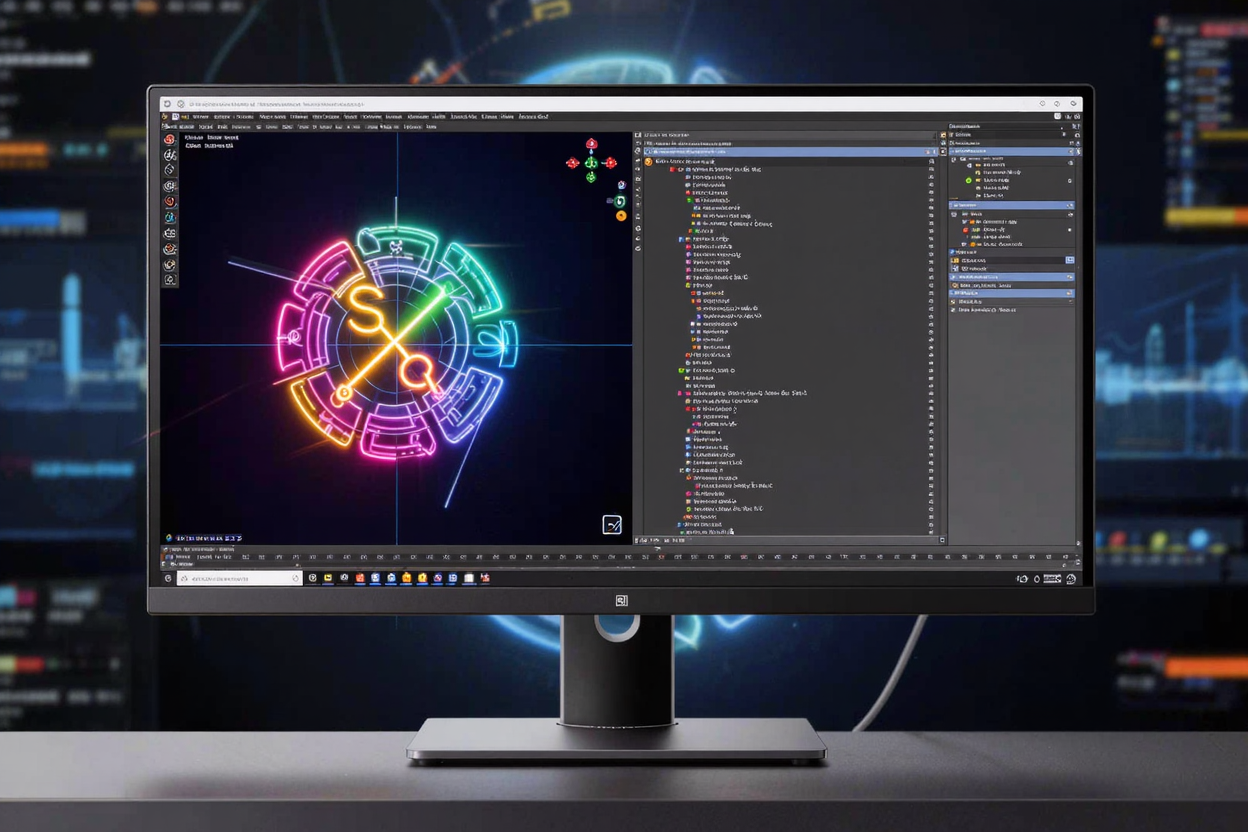
Scalable Vector Graphics (SVG) have become an indispensable format for modern web design, offering unparalleled versatility and performance. Unlike raster images, SVGs are resolution-independent, meaning they look crisp and clear on any screen size or pixel density, from mobile phones to 4K monitors. This makes them ideal for logos, icons, illustrations, and interactive elements, ensuring your visuals always deliver a professional impact.
While creating SVG code manually or using complex desktop software can be daunting, online SVG editors have democratized the process. These web-based tools provide an intuitive interface to design, edit, and generate SVG code without needing any installations or specialized knowledge. They are a game-changer for developers, designers, and content creators looking to integrate high-quality vector graphics into their projects efficiently.
The Power of SVG: Why It Matters for Your Projects
The advantages of using SVG extend far beyond mere scalability. SVGs are typically smaller in file size compared to their raster counterparts, leading to faster page load times and improved SEO performance. Because they are XML-based, their code is readable, editable, and searchable, allowing for greater control and accessibility. Furthermore, SVGs can be easily animated and styled with CSS, opening up a world of interactive possibilities for dynamic web experiences.
Embracing SVG means future-proofing your designs, ensuring they adapt gracefully to evolving display technologies. It’s a smart choice for any web project where visual quality and performance are paramount. Many free developer tools are available to help you integrate these powerful graphics seamlessly into your workflow.
Unlocking Efficiency: Benefits of Online SVG Editors
Online SVG editors offer a host of benefits that streamline the graphic design and development process. Their primary advantage is accessibility; you can access these tools from any device with an internet connection, eliminating the need for expensive software licenses or powerful hardware. This flexibility is invaluable for teams working remotely or individuals needing quick edits on the go.
These editors often feature user-friendly interfaces, making vector graphic creation approachable even for beginners. They provide real-time previews of your designs, allowing for immediate feedback and iterative adjustments. This instant visualization dramatically speeds up the design cycle, letting you experiment and refine your graphics without constant saving and reloading.
Key Features to Look for in a Top Online SVG Editor
When selecting an online SVG editor, several features can enhance your productivity and the quality of your output. A robust editor should offer a comprehensive set of drawing tools, including options for creating basic shapes (rectangles, circles, ellipses), bezier curves, and freehand paths. The ability to add and manipulate text directly within the canvas is also crucial for many designs.
Beyond drawing, look for features like layer management, which helps organize complex designs, and alignment/distribution tools for precise positioning of elements. A built-in code editor or viewer is indispensable, allowing you to inspect and modify the raw SVG XML directly. Support for importing various file formats (like existing SVGs, JPEGs, PNGs) and exporting your work in optimized SVG format are also essential for a complete toolkit.
Step-by-Step: Generating SVG Code with Online Tools
Generating SVG code with an online editor typically follows a straightforward process:
- Choose Your Editor: Start by selecting an online SVG editor that best suits your needs. There are many options available, ranging from simple shape generators to full-fledged vector design suites.
- Start a New Project or Import: You can either begin with a blank canvas or import an existing image (like a raster image for tracing or an SVG for editing).
- Design Your Graphics: Utilize the editor's drawing tools to create your desired shapes, lines, and text. Experiment with colors, gradients, and stroke properties to achieve your vision.
- Arrange and Refine: Use alignment tools, grouping features, and layer management to organize your elements precisely. Adjust sizes, rotations, and positions until your design is perfect.
- Inspect and Optimize Code: Many editors provide a panel where you can view the generated SVG code. This is an excellent opportunity to understand how your design translates into XML and even make minor manual adjustments for optimization or specific effects.
- Export Your SVG: Once satisfied, export your design. Most editors will offer options to download the SVG file directly or copy the raw SVG code, ready for embedding into your web pages or applications.
Advanced Tips for SVG Optimization and Integration
To truly leverage the power of SVG, consider these advanced tips. Always aim to optimize your SVG files by removing unnecessary metadata, comments, and redundant code, which can significantly reduce file size. Many online optimizers can help with this post-export, ensuring your graphics load as quickly as possible.
When integrating SVGs into your web projects, you have several methods: embedding them directly in HTML using the <svg> tag, using the <img> tag, or applying them as CSS background images. Direct embedding offers the most control for styling and scripting, while <img> tags are simpler for static images. Remember to consider accessibility by adding alt attributes to <img> tags and appropriate ARIA roles for complex interactive SVGs.
Managing various digital assets is a common challenge for developers. Just as optimizing your SVG files is crucial for web performance, handling other document types efficiently is also important. For instance, if you're dealing with large reports or client presentations, a reliable PDF Compressor can significantly reduce file sizes without compromising quality, ensuring faster downloads and better user experience across all your digital content.
Expand Your Toolkit with Online Developer Resources
The world of web development is constantly evolving, and having access to a comprehensive suite of online tools is crucial for staying productive. Whether you're working with SVGs, manipulating text, converting formats, or debugging code, there's likely an online solution available. Exploring an extensive online dev tools collection can provide you with invaluable resources to streamline your daily tasks and enhance your development workflow.
These platforms often provide a wide array of utilities, from simple calculators to complex code editors, all accessible through your browser. They empower developers to tackle diverse challenges without the overhead of installing and maintaining numerous applications. Discovering new tools can spark creativity and efficiency, making your development journey smoother and more enjoyable. You can find many more helpful utilities in our collection of free developer tools.
FAQ
What is SVG and why should I use it?
SVG, or Scalable Vector Graphics, is an XML-based vector image format for two-dimensional graphics with support for interactivity and animation. You should use it because SVGs are resolution-independent, meaning they scale perfectly to any size without losing quality, have small file sizes, are easily editable with CSS and JavaScript, and improve web performance and accessibility.
Are online SVG editors suitable for professional use?
Absolutely. Many online SVG editors offer powerful features comparable to desktop software, making them suitable for professional design and development work. They are particularly beneficial for quick edits, collaborative projects, and for teams that prioritize accessibility and cloud-based workflows. The key is to choose an editor with the functionality you need.
Can I convert raster images (like JPG, PNG) to SVG using online tools?
Yes, many online SVG editors and dedicated conversion tools allow you to convert raster images to SVG. This process, often called "vectorization" or "tracing," converts pixel-based images into vector paths. While results vary depending on the complexity and quality of the original raster image, these tools can be very effective for simple logos and icons.
Generating SVG code with online editors is a powerful way to enhance your web projects with high-quality, scalable graphics. These tools simplify a complex process, making vector design accessible to everyone. Start experimenting today and elevate your digital presence!