
In today’s fast-paced digital world, managing and comparing documents efficiently is crucial for professionals across various industries. Whether you're a software developer, a content writer, a legal professional, or simply someone who frequently deals with multiple versions of text files, understanding how to use text diff tools can significantly streamline your workflow. These powerful utilities are designed to highlight the differences between two or more text documents, making it easy to spot changes, track revisions, and ensure accuracy.
Text diff tools, short for 'difference' tools, analyze two or more files line by line, character by character, to identify what has been added, deleted, or modified. This capability is invaluable for maintaining version control, collaborating on projects, and ensuring the integrity of your work. Instead of manually sifting through countless lines of text, a diff tool provides a clear, visual representation of discrepancies, saving you precious time and reducing the risk of human error.
Understanding How Text Diff Tools Work
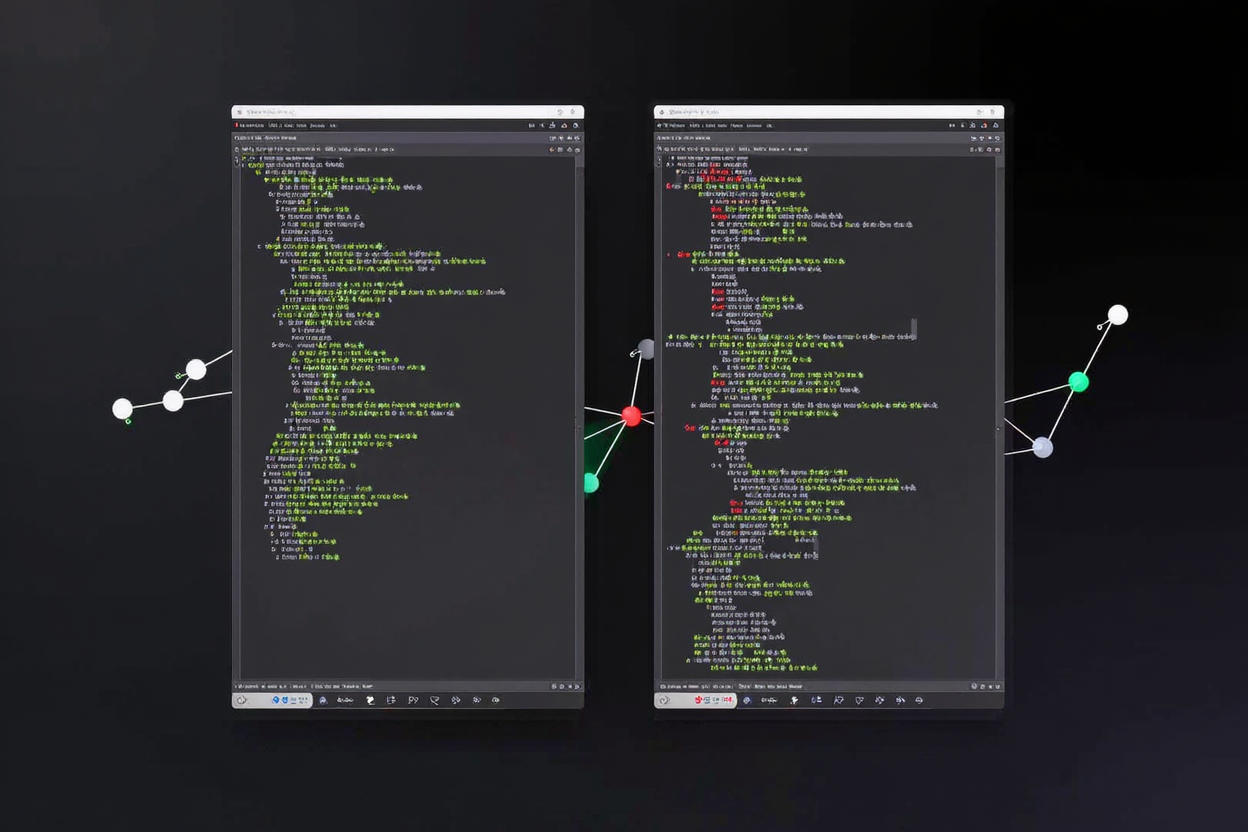
At their core, text diff tools employ sophisticated algorithms to compare the content of two files. They typically present the comparison in a side-by-side view, with each file displayed in its own pane. Differences are then highlighted using distinct colors or symbols. For instance, new lines might be marked in green, deleted lines in red, and modified sections in yellow or blue.
Many advanced diff tools also offer features like line-by-line comparison, character-by-character comparison, and the ability to ignore whitespace or case sensitivity. These options allow users to customize the comparison to suit their specific needs, ensuring that only relevant changes are flagged. Understanding these functionalities is key to leveraging the full power of a diff tool.
Key Features to Look For in a Diff Tool
- Side-by-Side and Inline Views: Most tools offer a side-by-side view, but some also provide an inline view where changes are shown within a single document, often useful for smaller screens.
- Syntax Highlighting: Essential for code comparison, syntax highlighting improves readability and helps identify changes within specific programming constructs.
- Merge Capabilities: Advanced tools not only show differences but also allow you to merge changes from one document into another, an indispensable feature for version control systems.
- Ignore Options: The ability to ignore whitespace, line endings, case changes, or even specific patterns (like comments in code) helps focus on meaningful content differences.
- Navigation: Quick navigation between changes (next/previous difference) is crucial for reviewing large documents efficiently.
- Folder Comparison: Some tools extend their functionality to compare entire folders, highlighting differences between files within those directories.
Common Use Cases for Text Diff Tools
The applications for text diff tools are incredibly diverse. Developers frequently use them to compare different versions of source code, identify bugs, and manage changes within version control systems like Git. For example, comparing a feature branch with the main branch before merging is a standard practice.
Content creators and editors use diff tools to track revisions in articles, reports, or legal documents, ensuring that all proposed changes are reviewed and approved. Legal professionals, in particular, rely on these tools to compare contracts and agreements, highlighting even the smallest alterations that could have significant implications. You can find many [free developer tools] on DevToolHere that include robust diff functionalities.
Beyond professional use, diff tools can be helpful for anyone needing to compare personal documents, configuration files, or even essays. They simplify the process of ensuring consistency and accuracy across different versions of any text-based file. If you're looking for an extensive [online dev tools collection], DevToolHere offers a wide range of utilities.
A Step-by-Step Guide to Using a Text Diff Tool
While specific steps may vary slightly depending on the tool you choose, the general process for comparing documents is straightforward:
- Open Your Diff Tool: Launch the application or navigate to the online tool.
- Load Files: Select the two files you wish to compare. Most tools provide 'Open Left File' and 'Open Right File' options.
- Initiate Comparison: The tool will automatically perform the comparison and display the differences.
- Review Differences: Examine the highlighted changes. Use navigation buttons to jump between differences.
- Take Action (Optional): If your tool supports merging, you can accept or reject individual changes, moving them from one file to another.
- Save Changes (Optional): After reviewing or merging, save the modified file(s).
When working with various digital assets, remember that optimizing your files can also be a part of efficient document management. For instance, if your documents include images, using a tool like a PNG Compressor can significantly reduce file sizes without compromising quality, making your content faster to load and easier to share.
Choosing the Right Text Diff Tool
The best text diff tool for you depends on your specific needs. Online diff tools, available on platforms like DevToolHere, are excellent for quick, one-off comparisons without needing to install software. They are accessible from any device with an internet connection. Desktop applications, on the other hand, often offer more advanced features, integration with local file systems, and offline capabilities.
Consider the types of files you compare most often (code, plain text, rich text), whether you need merging capabilities, and if integration with other tools (like version control) is important. Many [free developer tools] offer robust diff functionalities that can meet the needs of most users.
Best Practices for Document Comparison
- Regularly Compare: Make it a habit to compare documents, especially before committing changes or finalizing a version.
- Understand Your Tool: Take time to learn all the features of your chosen diff tool to maximize its efficiency.
- Backup Files: Always have backups of your original files before making any merges or significant changes.
- Collaborate Effectively: Use diff tools as a central part of your collaboration process to ensure everyone is on the same page regarding document changes.
Benefits of Using Text Diff Tools
The advantages of integrating text diff tools into your workflow are numerous. They significantly reduce the time and effort required for manual comparison, virtually eliminate human error in change detection, and provide a clear audit trail of all modifications. This leads to higher document quality, improved collaboration, and greater peace of mind knowing your work is consistent and accurate.
FAQ
What is a text diff tool used for?
A text diff tool is primarily used to compare two or more text files to identify differences, such as added, deleted, or modified lines and characters. It's essential for version control, code review, document editing, and tracking changes efficiently.
Can text diff tools compare more than two files?
While most basic tools compare two files, many advanced text diff tools offer multi-file comparison capabilities, allowing you to compare three or more documents simultaneously or compare entire folders to identify discrepancies across multiple files.
Are text diff tools only for developers?
No, text diff tools are not exclusively for developers. While widely used in software development, they are incredibly useful for anyone who needs to compare text-based documents, including writers, editors, legal professionals, researchers, and project managers.
Embracing text diff tools is a smart move for anyone looking to enhance their productivity and accuracy in document management. Explore the array of powerful utilities available on DevToolHere and empower your workflow today!