
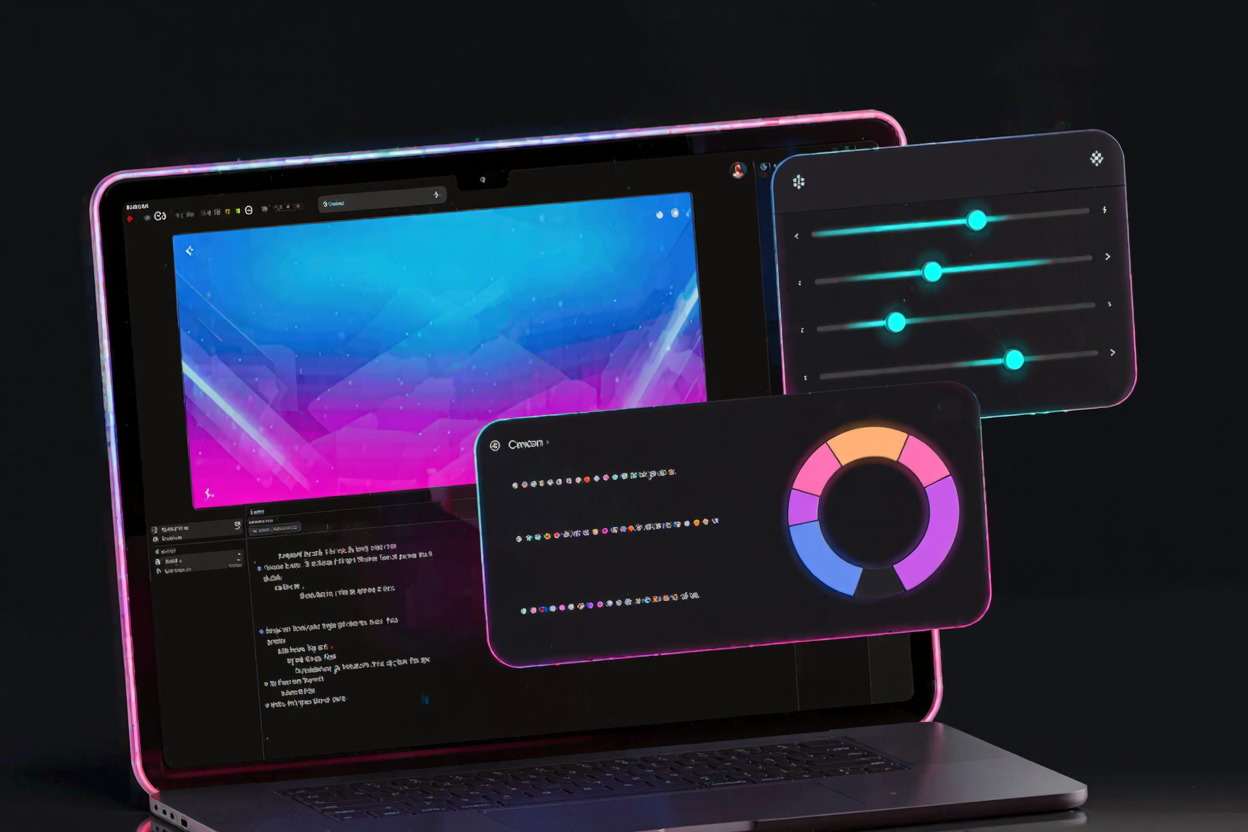
CSS gradients have revolutionized modern web design, offering a powerful way to create visually appealing backgrounds and elements without relying on image files. They provide flexibility, scalability, and faster load times. However, crafting complex gradients manually can be a time-consuming and often frustrating endeavor, requiring precise syntax and a keen eye for color. This is where CSS gradient generators become indispensable. These intuitive tools simplify the process, allowing designers and developers to create intricate gradients with ease. At DevToolHere, we understand the need for efficiency, offering a wide array of free developer tools designed to streamline your workflow.
Why Use a CSS Gradient Generator?
CSS gradient generators offer numerous advantages that significantly enhance your design and development process. They eliminate the need for manual coding, drastically reducing the time spent on creating gradients. With visual interfaces, you can experiment with colors and angles in real-time, receiving instant feedback on your design choices.
These tools also ensure accuracy, generating error-free CSS code that is ready for immediate implementation. This is particularly beneficial for those new to CSS or for seasoned developers looking to accelerate their prototyping phase. By abstracting the complex syntax, generators free you to focus on the creative aspect of design rather than the intricacies of code.
Understanding CSS Gradient Types
Before diving into the generators, it's helpful to understand the fundamental types of CSS gradients you'll encounter. Each type offers unique possibilities for visual expression.
Linear Gradients
Linear gradients transition colors along a straight line. You can define the direction of this line using keywords like to top, to right, or specific angles (e.g., 45deg). They are perfect for creating smooth transitions across an element, from a subtle fade to a dramatic color shift.
Radial Gradients
Radial gradients emanate from a central point, spreading outwards in a circular or elliptical shape. You can control the position of the center, the size, and the shape of the gradient. These are ideal for creating focal points, subtle glows, or spherical lighting effects, adding depth and dimension to your designs.
Conic Gradients
Conic gradients are a newer addition to CSS, creating color transitions around a central point, similar to a pie chart or a color wheel. You define a starting angle and then add color stops at various degrees. Conic gradients are excellent for creating unique patterns, radial progress bars, or even complex geometric designs that would be challenging with other gradient types.
Key Features to Look for in a Generator
A good CSS gradient generator should offer a robust set of features to maximize your efficiency and creative potential. Look for tools that provide a highly visual interface with intuitive controls, allowing you to manipulate colors, stops, and directions with ease. Color pickers, often supporting HEX, RGB, and HSL values, are essential for precise color selection.
Advanced features like multiple color stops, the ability to add transparency, and real-time code previews are also highly valuable. Some generators even include options for cross-browser compatibility prefixes, ensuring your gradients render consistently across different browsers. Preset libraries can jumpstart your designs, offering a collection of beautiful gradients to modify or use directly.
How to Effectively Use a CSS Gradient Generator
Using a CSS gradient generator is straightforward, even for beginners. Start by selecting the desired gradient type – linear, radial, or conic. Next, you'll typically use color pickers to choose your starting and ending colors, along with any intermediate color stops you wish to include. Most generators provide visual sliders or draggable points to adjust the position of these color stops, giving you fine-grained control over the transition.
For linear gradients, you'll define the direction or angle. For radial gradients, you might adjust the center position and shape. As you make adjustments, the generator provides an instant visual preview, along with the corresponding CSS code. Once satisfied, simply copy the generated CSS and paste it directly into your stylesheet. It’s that simple to enhance your projects with stunning visuals.
Advanced Gradient Techniques and Tips
While generators simplify the basics, understanding advanced techniques can elevate your designs further. Consider layering multiple gradients using the background property to create complex textures and effects. You can combine linear and radial gradients, or even use semi-transparent gradients over solid colors or images to achieve unique visual depth.
Experiment with hard color stops to create sharp, geometric transitions rather than smooth fades. This technique is excellent for striped patterns or segmented designs. Additionally, exploring CSS variables can make your gradients more maintainable and easier to update across your project, allowing you to define colors or angles once and reuse them.
Integrating Gradients into Your Workflow
Seamlessly integrating CSS gradients into your development workflow can significantly boost productivity. Generators provide the initial code, which you can then refine and adapt within your project. Many modern development environments support live reloading, allowing you to see changes to your CSS gradients in real-time as you edit.
Remember that gradients, while powerful, are just one piece of the web design puzzle. Combining them with other design elements and efficient coding practices leads to truly professional results. For a comprehensive suite of utilities that complement your design process, explore our extensive online dev tools collection.
Optimizing Gradients for Performance
While CSS gradients are inherently more performant than image-based backgrounds, there are still optimization considerations. Keep your CSS concise and avoid overly complex gradient definitions if simpler ones achieve the same visual effect. Ensure you're not over-rendering gradients in areas where they won't be visible.
For web projects, overall performance is key. This includes optimizing all assets, not just CSS. If your design incorporates images alongside gradients, reducing their file size is crucial. For instance, using a reliable tool like a PNG Compressor can drastically shrink image files, ensuring your pages load quickly and efficiently without compromising visual quality. This holistic approach to optimization ensures a smooth user experience.
Conclusion
CSS gradient generators are invaluable assets for any web designer or developer. They demystify the process of creating stunning, performant gradients, allowing for greater creativity and efficiency. By understanding the different types of gradients and leveraging the features of these powerful tools, you can transform your web projects with vibrant, dynamic backgrounds and elements. Start experimenting today and unlock the full potential of CSS gradients in your designs.
Elevate your web development experience by exploring the diverse range of free developer tools available on DevToolHere. From code formatters to image optimizers, we provide solutions to simplify every aspect of your workflow.
FAQ
-
What's the difference between linear and radial gradients?
Linear gradients transition colors along a straight line, defined by a direction or angle, creating a band-like effect. Radial gradients, conversely, transition colors from a central point outwards in a circular or elliptical shape, producing a spotlight or spherical effect.
-
Are CSS gradients good for performance?
Yes, CSS gradients are generally excellent for performance. Since they are rendered by the browser using CSS code rather than loading external image files, they reduce HTTP requests and often result in smaller file sizes compared to bitmap images, leading to faster page load times.
-
Can I animate CSS gradients?
Yes, you can animate CSS gradients, although direct animation of gradient properties like color stops or angles can sometimes be challenging or require creative workarounds. A common technique involves animating the
background-positionproperty of a larger gradient or using multiple background layers with different animation delays to create dynamic effects.
Ready to transform your web designs with beautiful, dynamic backgrounds? Dive into the world of CSS gradient generators today and unleash your creativity. The possibilities are limitless!