
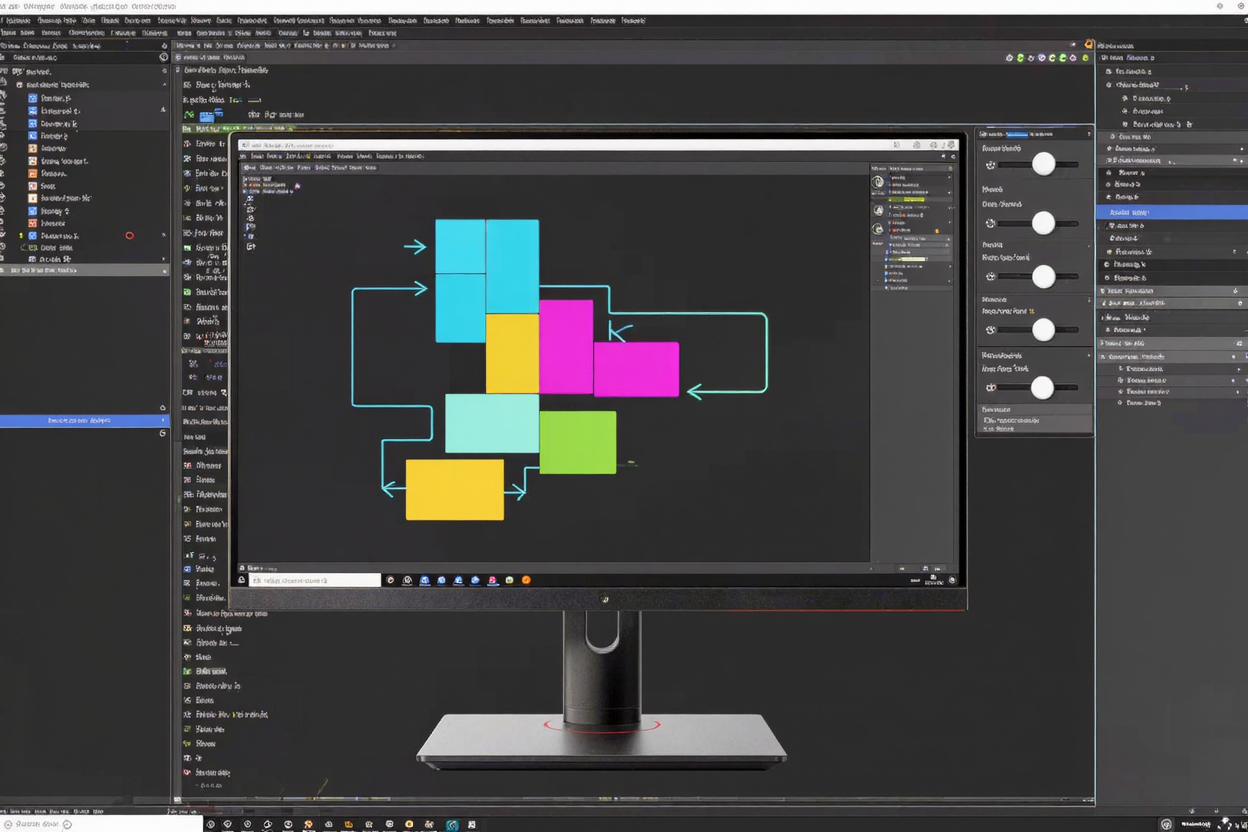
Mastering CSS Flexbox can often feel like solving a complex puzzle. While incredibly powerful for creating responsive layouts, its array of properties and their interactions can be challenging to grasp through documentation alone. This is where CSS Flexbox playground tools become indispensable resources for developers of all skill levels.
These interactive environments transform the learning curve into an engaging visual experience. Instead of endlessly tweaking code and refreshing your browser, you can manipulate elements directly and see the immediate effects of each Flexbox property. It's a game-changer for understanding layout dynamics.
What Are Flexbox Playground Tools?
Flexbox playground tools are web-based applications designed to help you visualize and experiment with CSS Flexbox properties in real-time. Think of them as sandboxes where you can drag, drop, toggle, and slide controls to adjust flex containers and items, observing how changes impact the layout instantly.
These tools typically feature a visual area where your Flexbox layout is rendered, alongside a panel of controls for properties like justify-content, align-items, flex-direction, and more. Some even generate the corresponding CSS code as you make adjustments, making it easy to transfer your experiments into your actual projects.
Why Use a Flexbox Playground?
Visual Learning and Instant Feedback
The primary benefit of a Flexbox playground is its visual nature. It allows you to see how each property influences element alignment, distribution, and sizing. This instant feedback loop accelerates understanding, helping you internalize complex concepts much faster than reading theoretical explanations or debugging code.
Experimentation Without Risk
Playground tools provide a safe environment to experiment. You can try out different property combinations without the fear of breaking your project's existing code. This freedom encourages exploration and helps you discover creative solutions for various layout challenges.
Faster Prototyping
When you need to quickly prototype a new layout, a Flexbox playground can be incredibly efficient. You can rapidly iterate on design ideas, test different arrangements, and generate the foundational CSS in a fraction of the time it would take to hand-code each iteration.
Understanding Complex Scenarios
Flexbox truly shines in its ability to handle dynamic and responsive layouts. Playgrounds help you visualize how items behave when the container size changes, or when specific properties like flex-grow or flex-shrink are applied. This makes understanding complex responsive behaviors much clearer.
Key Features to Look For
When choosing a Flexbox playground tool, consider these features:
- Interactive Controls: Look for intuitive sliders, toggles, and dropdowns that make it easy to manipulate properties.
- Real-time Code Generation: A tool that generates the CSS code as you adjust properties is invaluable for learning and implementation.
- Visual Grids/Overlays: Some tools offer visual aids like grid lines or arrows to illustrate flex direction and spacing, enhancing understanding.
- Responsiveness Testing: The ability to resize the viewport within the tool to see how your layout adapts is a huge plus.
- Pre-built Examples: A library of common Flexbox layouts can serve as a great starting point or inspiration.
How to Effectively Use These Tools
To get the most out of Flexbox playground tools, follow these steps:
- Start with the Basics: Begin by understanding
flex-direction,justify-content, andalign-items. Manipulate these properties to see how they affect the main and cross axes. - Experiment with Individual Properties: Dedicate time to each property. For instance, see what happens when you change
flex-wrapor adjustalign-selfon individual items. - Tackle Real-World Layouts: Once comfortable with individual properties, try to recreate common layout patterns like navigation bars, grid systems, or card components using the tool.
- Save and Share: Many tools allow you to save your experiments or share them via a URL, which is excellent for collaboration or revisiting your work.
Integrating with Your Workflow
Flexbox playground tools are a fantastic addition to any developer's toolkit. They complement other essential resources found in a comprehensive online dev tools collection. Just as a playground simplifies complex CSS, other specialized tools streamline different aspects of development.
For instance, while you're busy perfecting your layouts, you might also need to manage various file formats. Just as these interactive tools simplify coding, other utilities streamline everyday tasks. If you're dealing with document conversions, a reliable tool like Word to PDF can be just as crucial for your workflow as a Flexbox playground is for your CSS. These are just some examples of the many free developer tools that can enhance your productivity.
Conclusion
CSS Flexbox playground tools are invaluable assets for anyone looking to master responsive web design. They demystify complex concepts, accelerate learning through visual feedback, and provide a risk-free environment for experimentation. By integrating these interactive tools into your learning and development process, you'll gain a deeper understanding of Flexbox and build more robust, flexible layouts with confidence.
FAQ
What is CSS Flexbox used for?
CSS Flexbox (Flexible Box Module) is a one-dimensional layout method for arranging items within a container. It's primarily used for distributing space among items and aligning them, making it ideal for creating responsive navigation bars, component layouts, and managing vertical and horizontal alignment.
Are Flexbox playground tools suitable for beginners?
Absolutely! Flexbox playground tools are especially beneficial for beginners. Their visual and interactive nature simplifies the learning process, allowing new developers to see the immediate impact of each property without getting bogged down in syntax errors.
Can I generate production-ready code from these tools?
Many Flexbox playground tools can generate clean, production-ready CSS code based on your visual adjustments. While you might need to integrate it into your project's specific styling conventions, the generated code provides an excellent foundation and ensures accuracy in property application.
Explore the diverse range of free developer tools available at DevToolHere. Enhance your coding efficiency and streamline your development workflow today!