
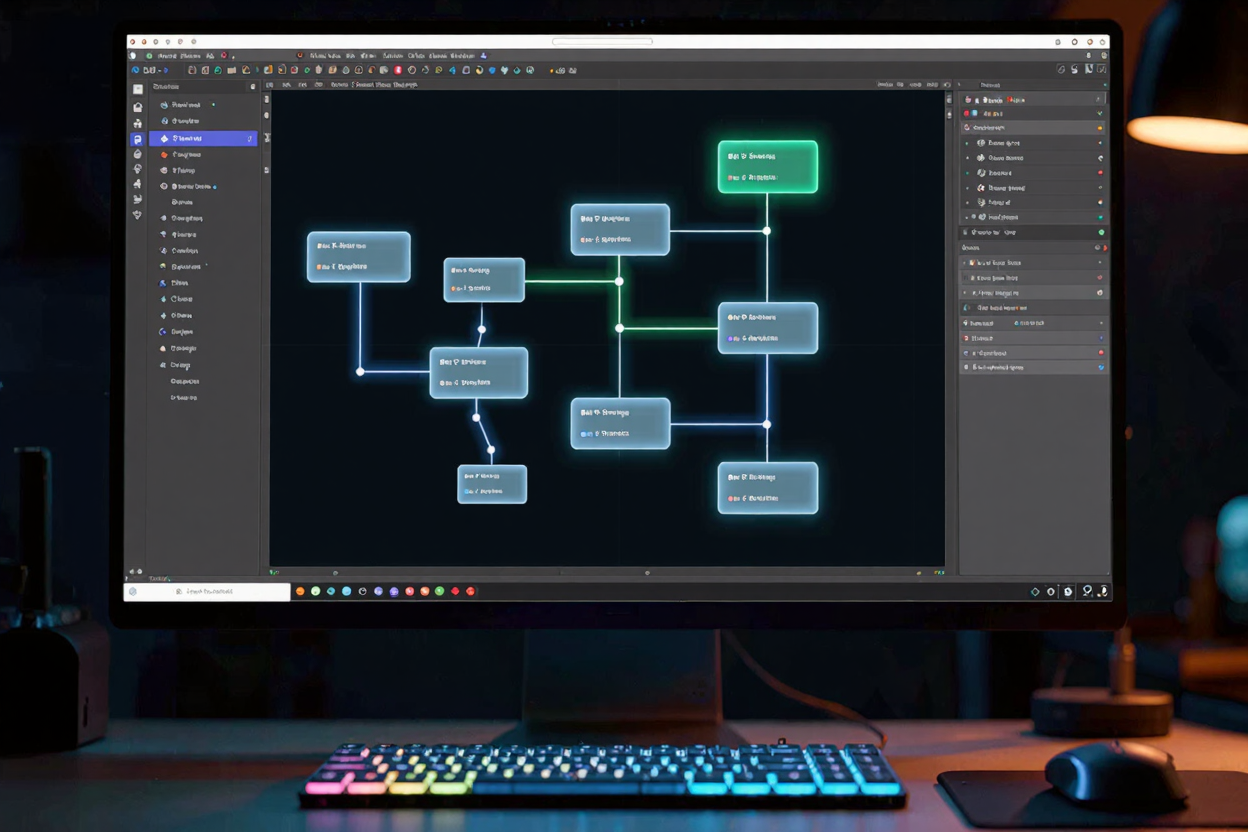
In the world of software development, a robust and well-structured database is the backbone of any successful application. Understanding how data is organized, stored, and retrieved is paramount, and this is precisely where database schema designer tools become indispensable. These powerful utilities provide a visual interface to design, manage, and comprehend the intricate architecture of your databases, transforming complex textual definitions into intuitive graphical representations.
A database schema is essentially the blueprint of your database. It defines the tables, their columns, the data types they hold, and the relationships between these tables. Without a clear schema, a database can quickly become a tangled mess, leading to inconsistencies, performance issues, and significant development hurdles. Schema designer tools elevate this process from a daunting task to an efficient, streamlined workflow.
Why Use a Schema Designer Tool?
The benefits of leveraging a dedicated schema designer tool are numerous and profound. Firstly, they offer unparalleled visualization capabilities. Instead of deciphering lines of SQL DDL (Data Definition Language) code, developers can see a clear, graphical representation of their database structure, making it easier to grasp complex relationships and identify potential flaws.
Secondly, these tools significantly reduce the likelihood of errors. By providing a drag-and-drop interface and often real-time validation, they help prevent common mistakes like incorrect data types, missing primary keys, or misconfigured foreign key constraints. This proactive approach saves countless hours that would otherwise be spent debugging database-related issues.
Furthermore, schema designers foster better collaboration among development teams. A visual schema can serve as a universal language, allowing developers, database administrators, and even non-technical stakeholders to understand the database structure. This shared understanding is crucial for effective communication and efficient project execution. Many of these tools are part of broader suites of free developer tools available today.
Finally, these tools are invaluable for documentation and version control. They can automatically generate detailed documentation of your database schema, which is essential for maintenance and future development. Integrating with version control systems ensures that all changes to the database structure are tracked, allowing for easy rollbacks and a clear history of modifications.
Key Features of Schema Designer Tools
Visual Modeling and ERDs
At their core, schema designer tools excel at visual modeling. They allow users to create Entity-Relationship Diagrams (ERDs) or similar graphical representations that depict tables as entities and relationships as lines connecting them. This visual approach simplifies the design process, making it intuitive to add new tables, define columns, and establish relationships with a few clicks.
Forward and Reverse Engineering
Forward engineering is the process of generating SQL scripts from your visual schema design. This means you can design your database graphically and then automatically create the necessary DDL statements to build that database in a real server. Conversely, reverse engineering allows you to import an existing database schema into the tool, generating a visual diagram from an operational database. This feature is incredibly useful for understanding legacy systems or documenting existing databases.
Collaboration and Version Control
Modern schema designer tools often include features for team collaboration, allowing multiple developers to work on the same schema simultaneously or review changes. Integration with popular version control systems like Git is also common, enabling developers to track schema changes alongside application code, facilitating a more cohesive development workflow.
Documentation Generation
Maintaining up-to-date documentation for a database schema can be a tedious task. Schema designer tools automate this by generating comprehensive reports, data dictionaries, and other documentation artifacts directly from your design. This ensures that accurate and current information about the database structure is always available to the team.
Types of Schema Designer Tools
The market offers a diverse range of schema designer tools, each catering to different needs and preferences. Some are standalone desktop applications, offering robust features and offline capabilities. Others are web-based, providing the flexibility of access from anywhere and often facilitating real-time collaboration. Many integrated development environments (IDEs) also come with built-in or plugin-based schema design capabilities, allowing developers to manage their database schema directly within their coding environment.
For those looking for a comprehensive suite, many online dev tools collection platforms provide a variety of utilities, including schema designers, alongside other essential development aids. These platforms streamline the developer's toolkit, often offering cloud-based solutions that enhance accessibility and team synergy. When managing various digital assets for your web projects, remember that tools like a PNG Compressor can also be crucial for optimizing image files and improving website performance.
Choosing the Right Tool for Your Project
Selecting the ideal schema designer tool requires careful consideration of several factors. Database compatibility is paramount; ensure the tool supports your specific database system (e.g., MySQL, PostgreSQL, SQL Server, Oracle). The feature set should align with your team's needs, whether it's advanced modeling, robust collaboration, or extensive documentation capabilities.
Cost is another significant factor, with options ranging from free open-source tools to subscription-based enterprise solutions. Consider the size of your team and the complexity of your projects. For individual developers or small teams, many excellent free developer tools offer sufficient functionality. For larger organizations with complex requirements, investing in a more comprehensive solution might be beneficial.
Practical Applications and Integration
Schema designer tools are not just for initial database creation; they are vital throughout the entire software development lifecycle. During the planning phase, they help conceptualize the data model. In development, they assist in refining the schema as application requirements evolve. For maintenance, they are indispensable for understanding and modifying existing databases without introducing breaking changes.
Integrating these tools into your existing development workflow can significantly boost productivity. By automating SQL generation and documentation, they free up developers to focus on core application logic. Their visual nature also aids in onboarding new team members, quickly bringing them up to speed on the project's data architecture.
FAQ
What is the primary benefit of using a schema designer tool?
The primary benefit is the ability to visually design and manage database structures through graphical interfaces like ERDs, which simplifies complex relationships, reduces errors, and improves understanding compared to purely code-based definitions.
Can schema designer tools work with existing databases?
Yes, most modern schema designer tools support "reverse engineering," allowing them to connect to an existing database and generate a visual schema diagram from its current structure. This is invaluable for documenting or understanding legacy systems.
Are schema designer tools only for large-scale projects?
Not at all. While highly beneficial for large, complex projects, schema designer tools are equally valuable for individual developers and small teams. They help enforce best practices, prevent common design flaws, and improve efficiency regardless of project size.
Empower your development process by incorporating effective schema designer tools into your workflow. Explore the vast array of options available to find the perfect fit for your projects, ensuring your databases are robust, scalable, and easy to manage.