
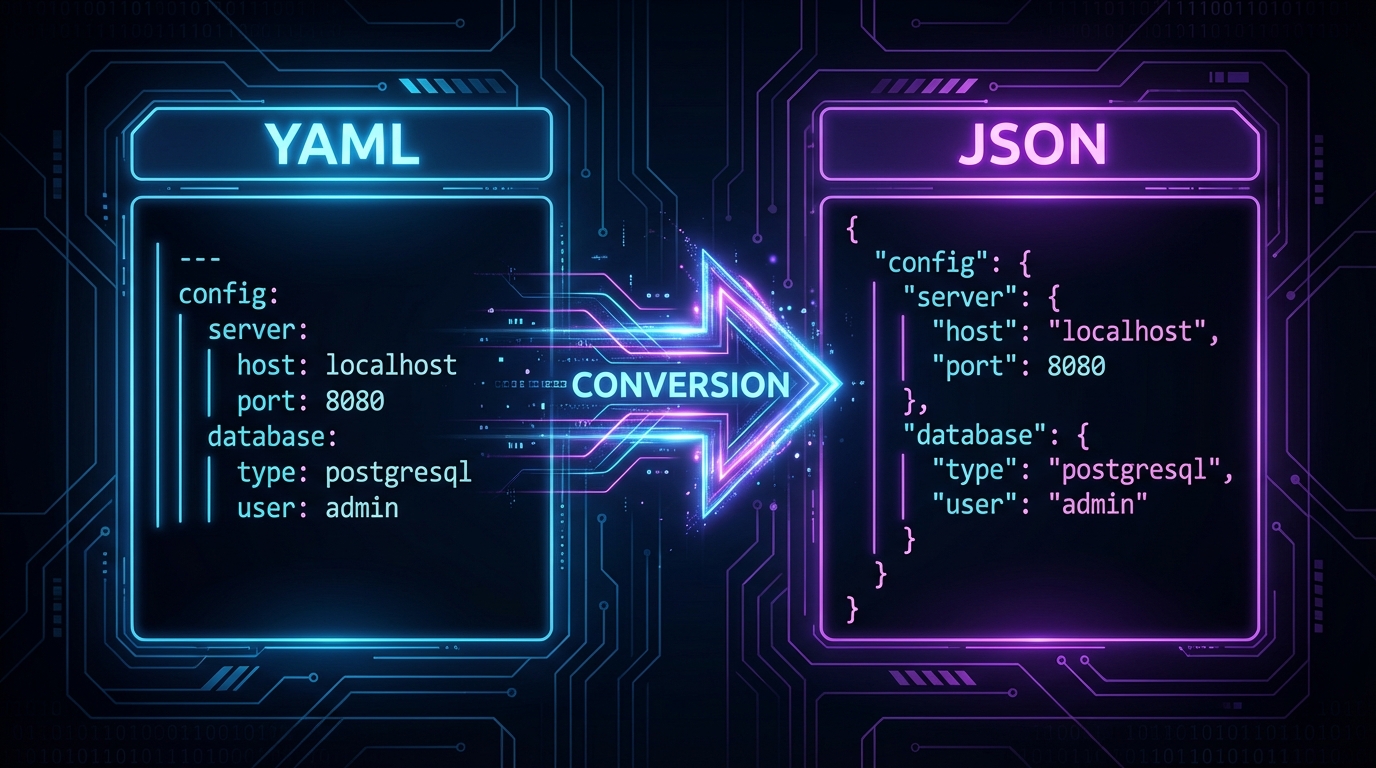
YAML and JSON serve overlapping purposes, but each shines in different contexts. YAML's human-friendly syntax makes it ideal for configuration files, while JSON's strict structure is perfect for APIs and data exchange. Knowing when and how to convert between them is an essential DevOps and developer skill.
What Is YAML to JSON?
YAML to JSON conversion parses YAML's indentation-based syntax into equivalent JSON structure. Our YAML to JSON converter handles multi-line strings, anchors, aliases, and complex nested structures.
How to Use YAML to JSON on DevToolHub
- Open the YAML to JSON tool on DevToolHub — no signup required.
- Paste or enter your input data in the left panel.
- See the result instantly in the output panel.
- Copy the result or download it as a file.
Converting a Kubernetes Deployment
Kubernetes manifests are written in YAML but sometimes need JSON for API calls:
# YAML (Kubernetes-style)
apiVersion: apps/v1
kind: Deployment
metadata:
  name: web-app
  labels:
    app: frontend
spec:
  replicas: 3
  selector:
    matchLabels:
      app: frontend

// Equivalent JSON
{
  "apiVersion": "apps/v1",
  "kind": "Deployment",
  "metadata": {
    "name": "web-app",
    "labels": {"app": "frontend"}
  },
  "spec": {
    "replicas": 3,
    "selector": {
      "matchLabels": {"app": "frontend"}
    }
  }
}
Pro Tips
- Use YAML for human-edited configs and JSON for machine-to-machine data exchange
- Be careful with YAML's implicit typing — "yes" becomes boolean true, which JSON makes explicit
- Validate YAML indentation before converting — a single space error changes the entire structure
- Use JSON for anything that will be programmatically generated or consumed by APIs
When You Need This
- Converting Kubernetes manifests for API submissions
- Transforming CI/CD pipeline configs (GitHub Actions, GitLab CI) for tooling
- Migrating application config from YAML to JSON for Node.js projects
- Debugging YAML syntax by examining the equivalent JSON structure
Free Tools Mentioned in This Article